Meta launched Meta Muse, a personal AI agent that does your work on your behalf. Muse runs on a cloud computer with a web browser shared between you and your agent. It runs in the background, connecting to your everyday apps to take tasks off your plate and streamline your workflow.
For the rollout, Meta is giving every user who registers on the platform through invite codes 1 billion free tokens. These tokens never expire; you get unlimited compute power to test the platform. But there’s a catch. Meta Muse is only available in the United States.
Don’t worry! There’s a workaround you can follow if you want to use Meta Muse in India. In this guide, I will show you how to use Meta Muse in India, bypass the geo-restrictions, and claim your 1 billion tokens to get started. So let’s dive right in.
Table of Contents
What is Meta Muse AI?
Meta’s Muse is a new autonomous personal AI agent that does your work for you. Unlike traditional AI assistants like ChatGPT or Claude, which just answer your questions, Muse does the work.
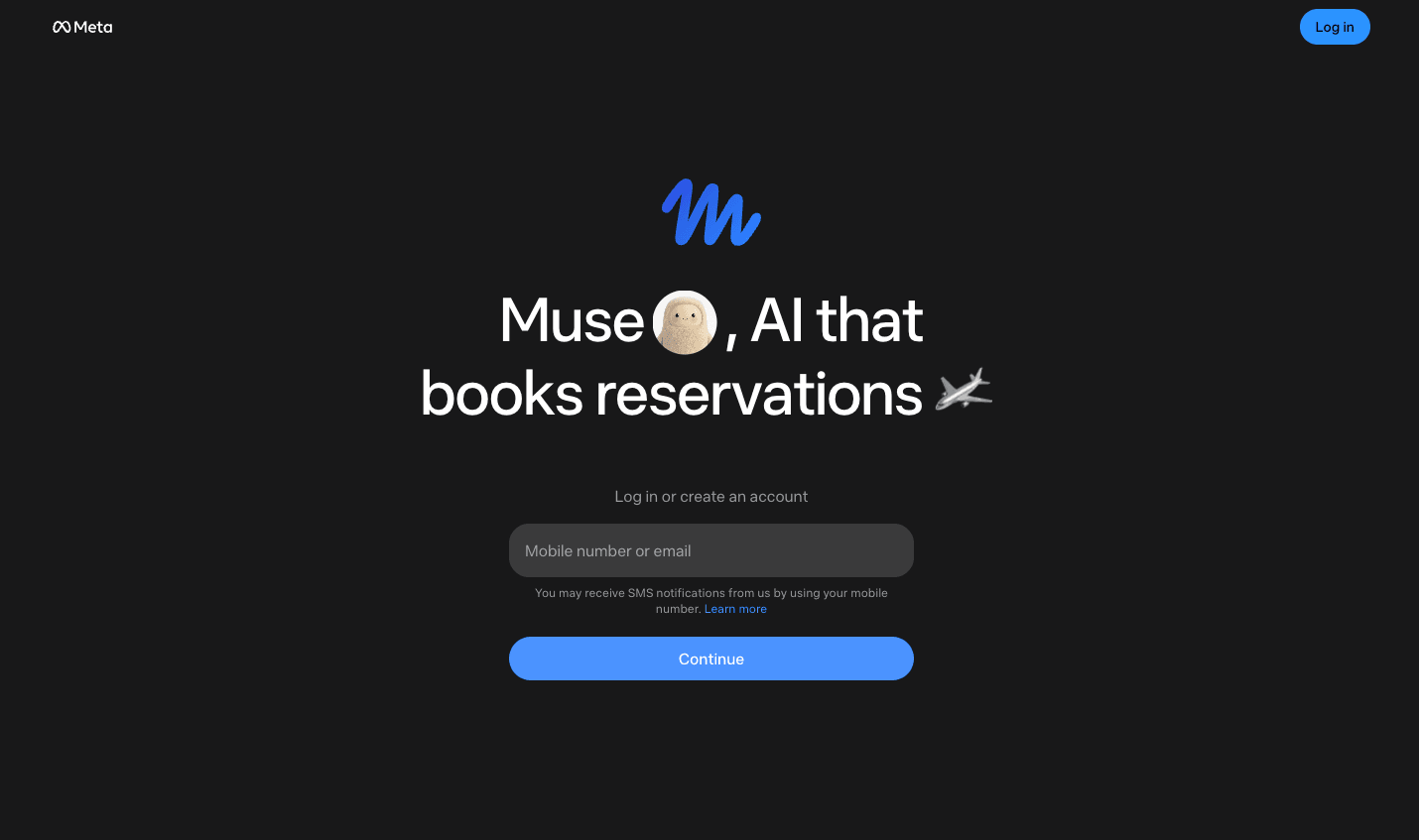
For instance, if you are planning a vacation, then ChatGPT will just give you a travel plan with all the recommendations. While the Muse AI agent will check your calendar for your schedule, book hotels, and arrange travel accommodations for you. It’s an AI agent built for everyone.
You can connect your daily apps like WhatsApp, Gmail, Google Calendar, and more for a seamless workflow. If any skill is missing, then you can build an app of your own.
Core Features of Meta Muse AI
Here are some features that differentiate Meta Muse AI from any other AI assistant or tool:
1. Autonomous Background Execution
You can assign it tasks, and it will keep performing the tasks until completed in an isolated cloud virtual machine. You can automate tasks like sending an email, booking a travel itinerary, watching for price drops, filling out forms, and more.
While the tasks run in the background, you can close the app or your browser and turn off your PC. That’s the best feature of this tool: it keeps running without you having to lift a finger until the execution is completed.
2. Muse Secure VM with a Browser
You will get an isolated Linux-based cloud computer (Muse Secure VM). Every user will have their own isolated virtual machine. Each VM will come with its own browser that will be shared by you and your AI agent.
In the browser, you can view the agent’s actions while working. You will get a live view of the browser session, including clicking buttons, scrolling pages, etc. You can even take over control of the browser if your agent gets stuck, or if any sensitive actions are required.
3. App Integrations
Muse has an ecosystem of your daily apps. For instance, it has built-in connectors for Gmail. Google Calendar, Apple Health, Meta platforms (Facebook, Instagram, Threads, etc.), etc. If a task needs a skill or tool that isn’t there in Muse, then Muse can make one for you.
Prerequisites for Using Meta Muse in India
You can start right away if you live in India or any other country except the US. There are certain things that you need beforehand, so the process becomes seamless for you.
- Good VPN: You must have a good and reliable VPN installed on your PC. Don’t go with any unknown options, as they can get flagged and you won’t be able to use Meta Muse in India then. I recommend Surfshark VPN or NordVPN for this one.
- Verification Method: You can verify using a Facebook account or Instagram account. So you need to have either of them to get started with Meta Muse. Also, there’s one more verification method, i.e., through a debit card or credit card. But yes, if you use Indian cards, your account might get flagged.
- Invite Code: You will only get 1 Billion Tokens when you sign up using the invite code. So you need to have an invitation code. If you don’t have one, then you will find one in this article.
How to Use Meta Muse in India: Step-by-Step Guide
To use Meta Muse in India, you first need to connect to a US server via a VPN. Then create an account on Meta Muse and use your invite code to get 1 billion tokens for free. Here’s a complete step-by-step guide to use Meta Muse in India and get your free tokens:
1. Connect to a US Server
The very first thing to do is connect to a US server using a VPN. Launch any VPN on your PC; you can use any reliable VPN for this step. Connect to the US server, and you can start the registration process.
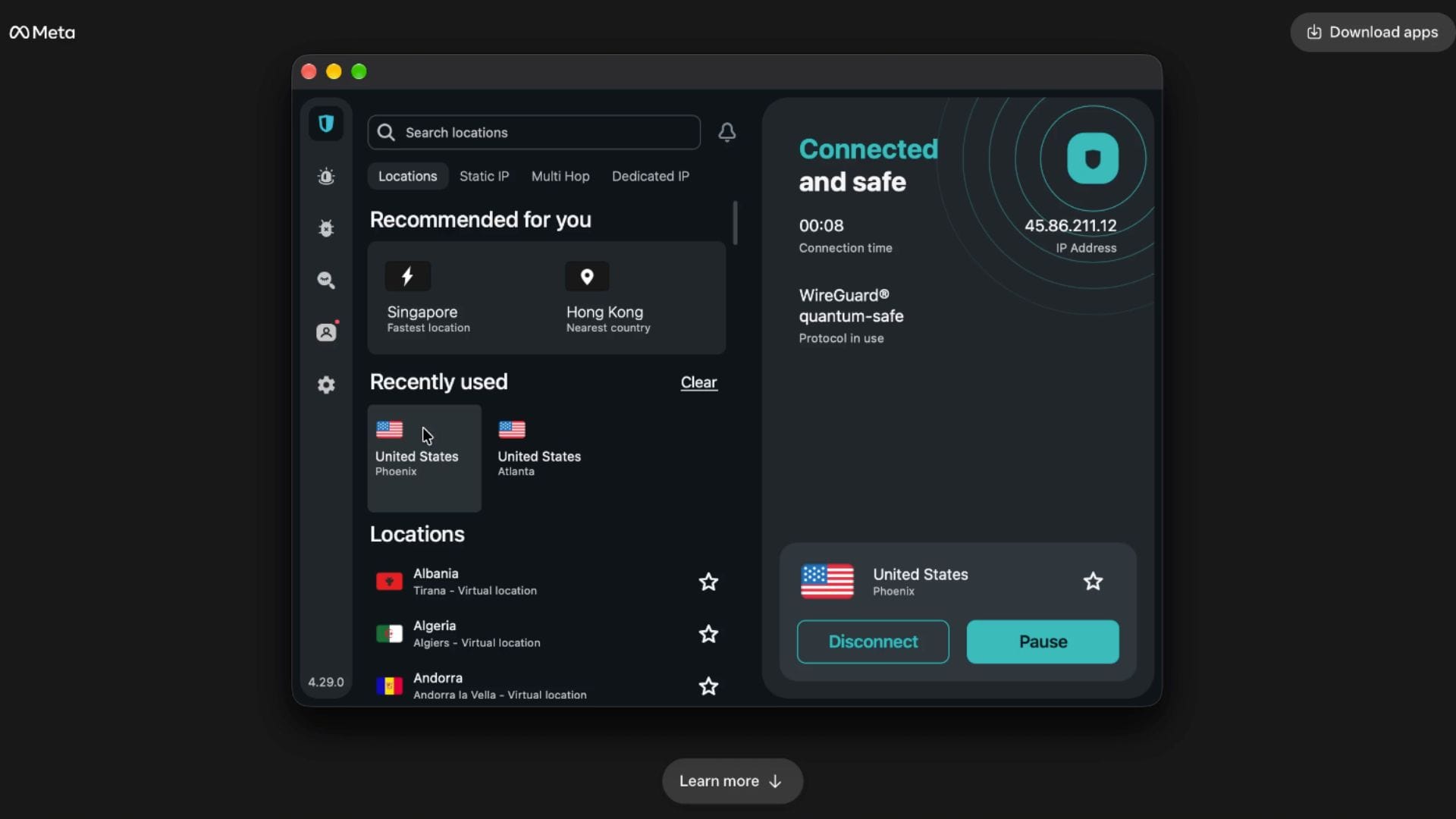
Note: Throughout the process, make sure you are connected to the VPN. If you disconnect at any step, then your account will get flagged.
2. Registration on Meta Muse
After connecting to the US server, you can continue with registration on Meta Muse. Here’s how you can do it:
- Launch any browser on your PC and visit muse.ai.
- After this, enter your email or mobile number for registration and click Continue.
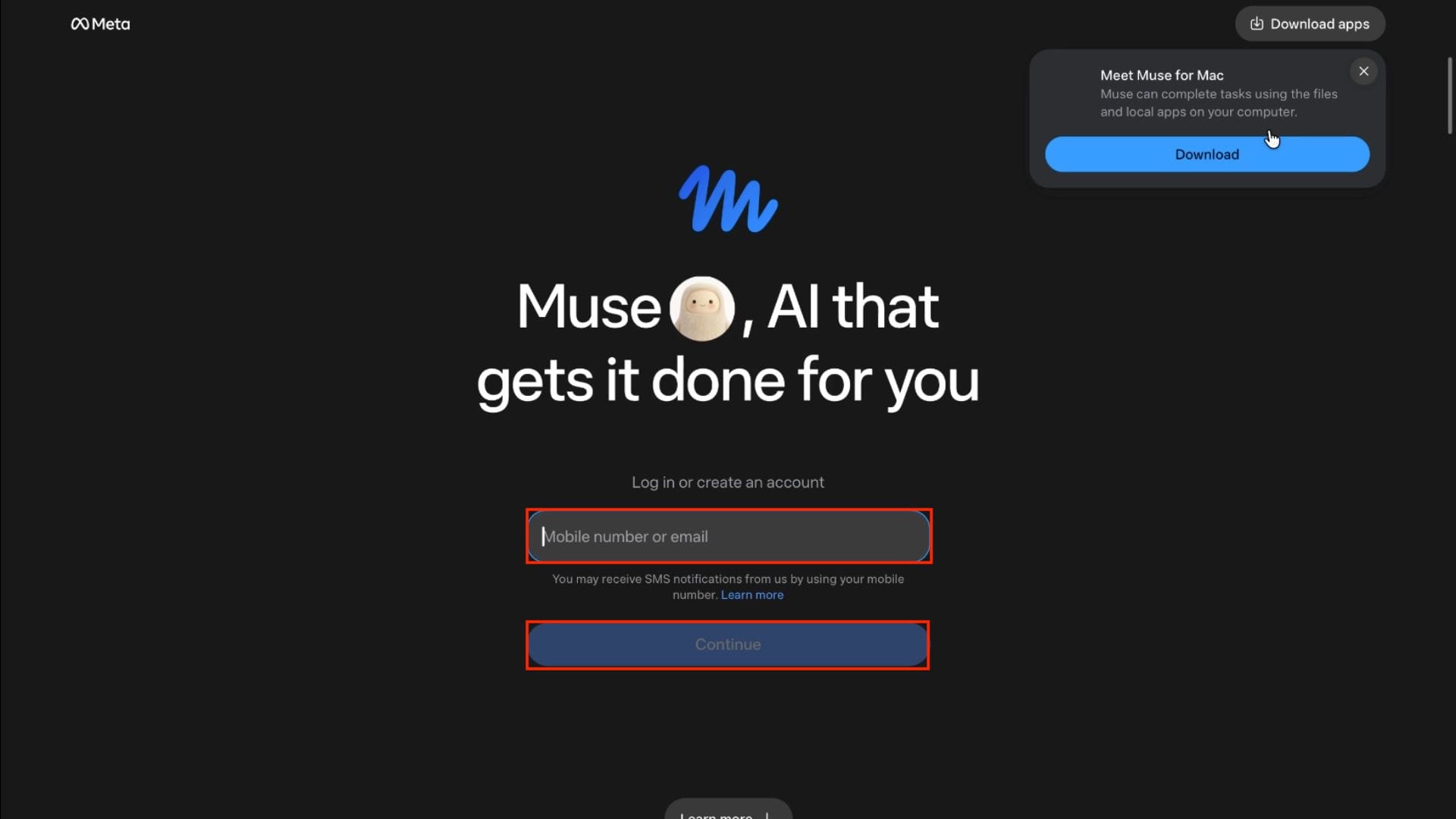
Note: Use your email for registration, because mobile numbers with Indian codes will be flagged.
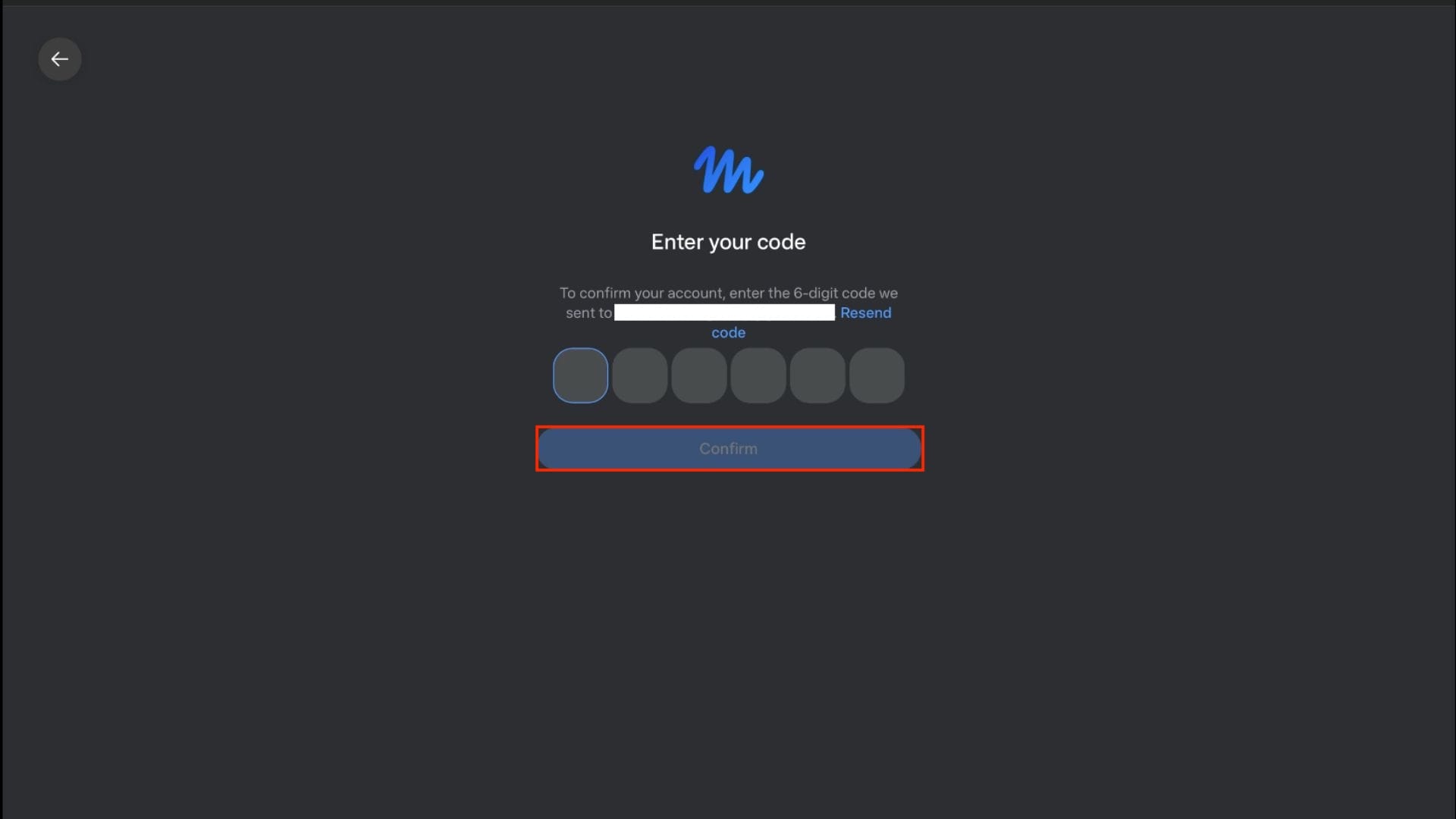
- You will receive a verification code in your email.
- Enter the verification code and click Confirm.
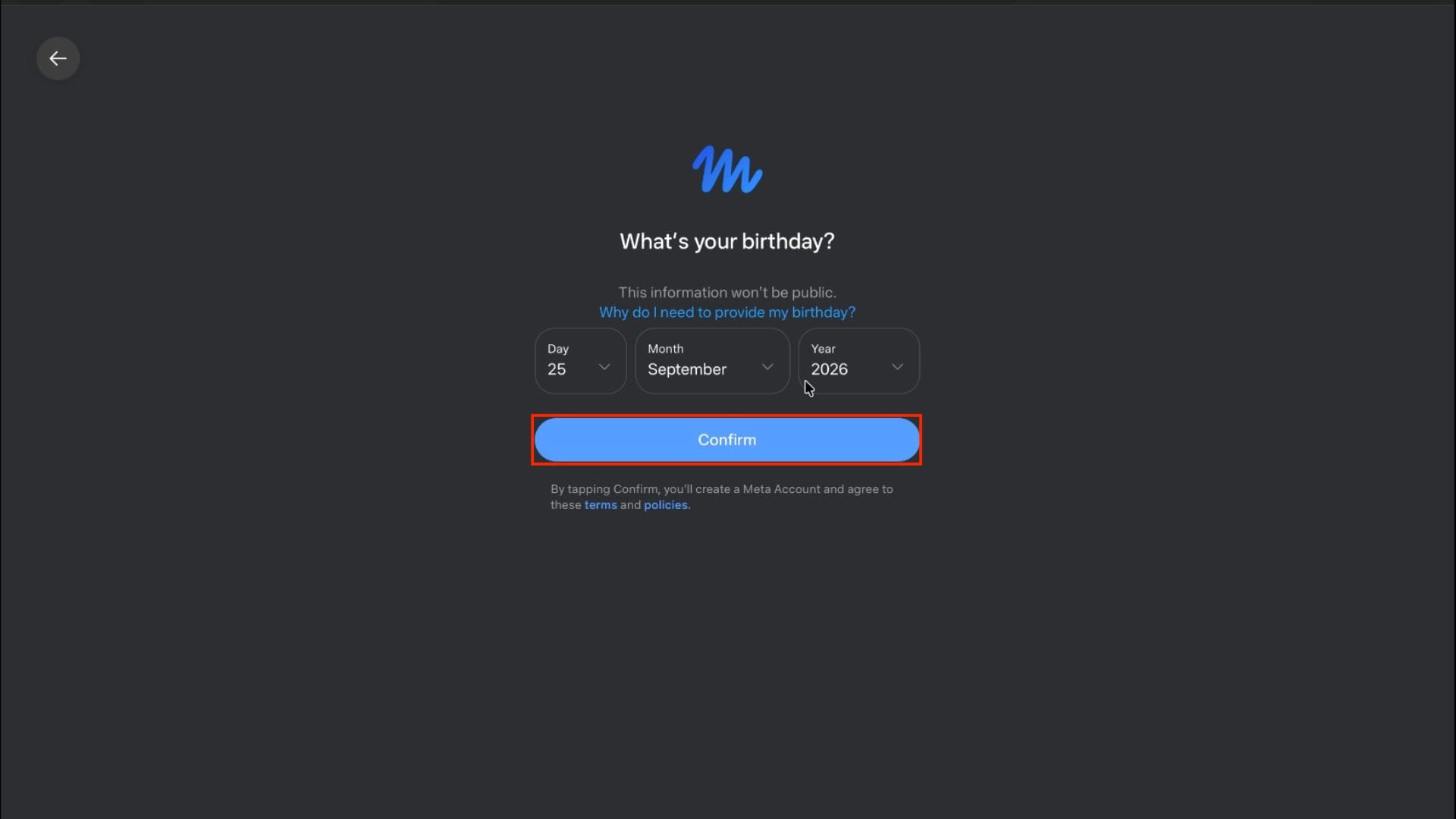
- After this, enter your birthday (make sure it matches your Facebook/Instagram account), and then click on Confirm.
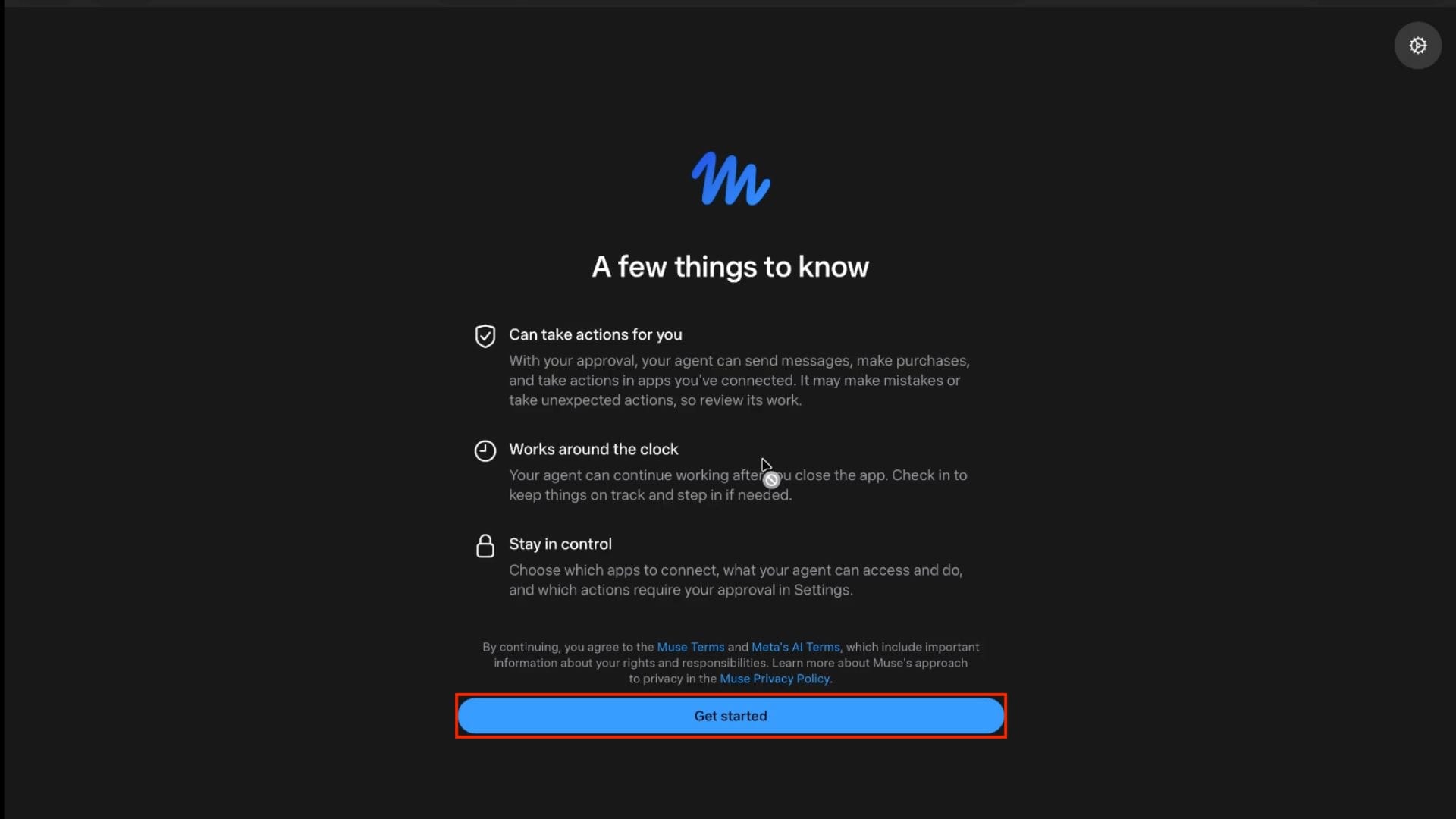
- You will now be directed to the ‘A few things to know page.’ Here, click on Get Started.
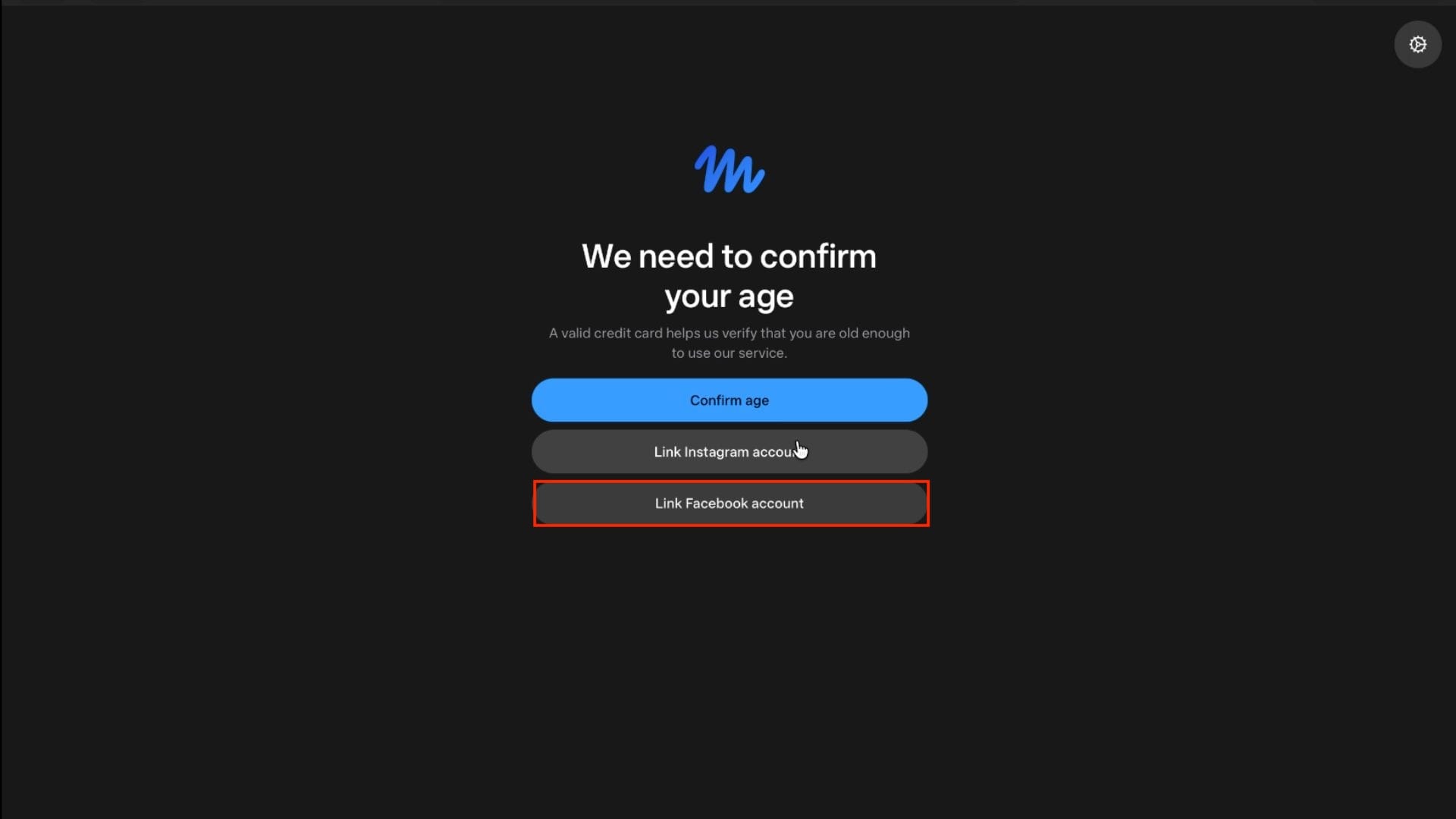
- Next, you need to confirm your age. You will get two options for this:
- Confirm Age– With this option, you will have to enter your debit or credit card details; $1 will be withdrawn (refundable) for verification.
- Link Facebook Account– You will have to connect your Facebook Account.
- Link Instagram Account– You will have to connect your Instagram account.
- For this guide, let’s go with the Link Facebook Account.
- Now log in to your Facebook account with your credentials.
- You will be asked to confirm your age again; click Continue.
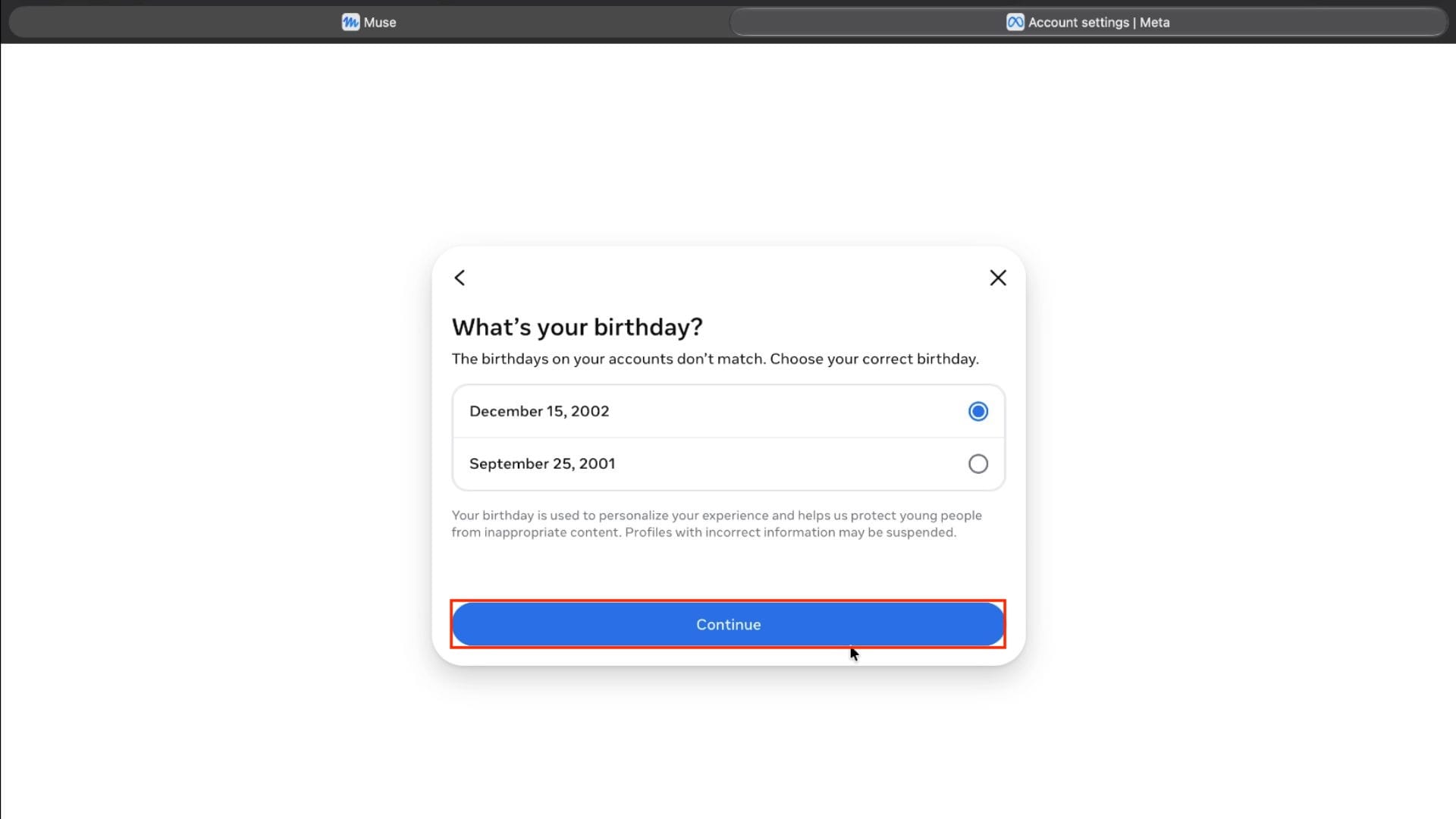
Note: If the birthday you enter differs from your Facebook account, then you will have to choose the correct birthday.
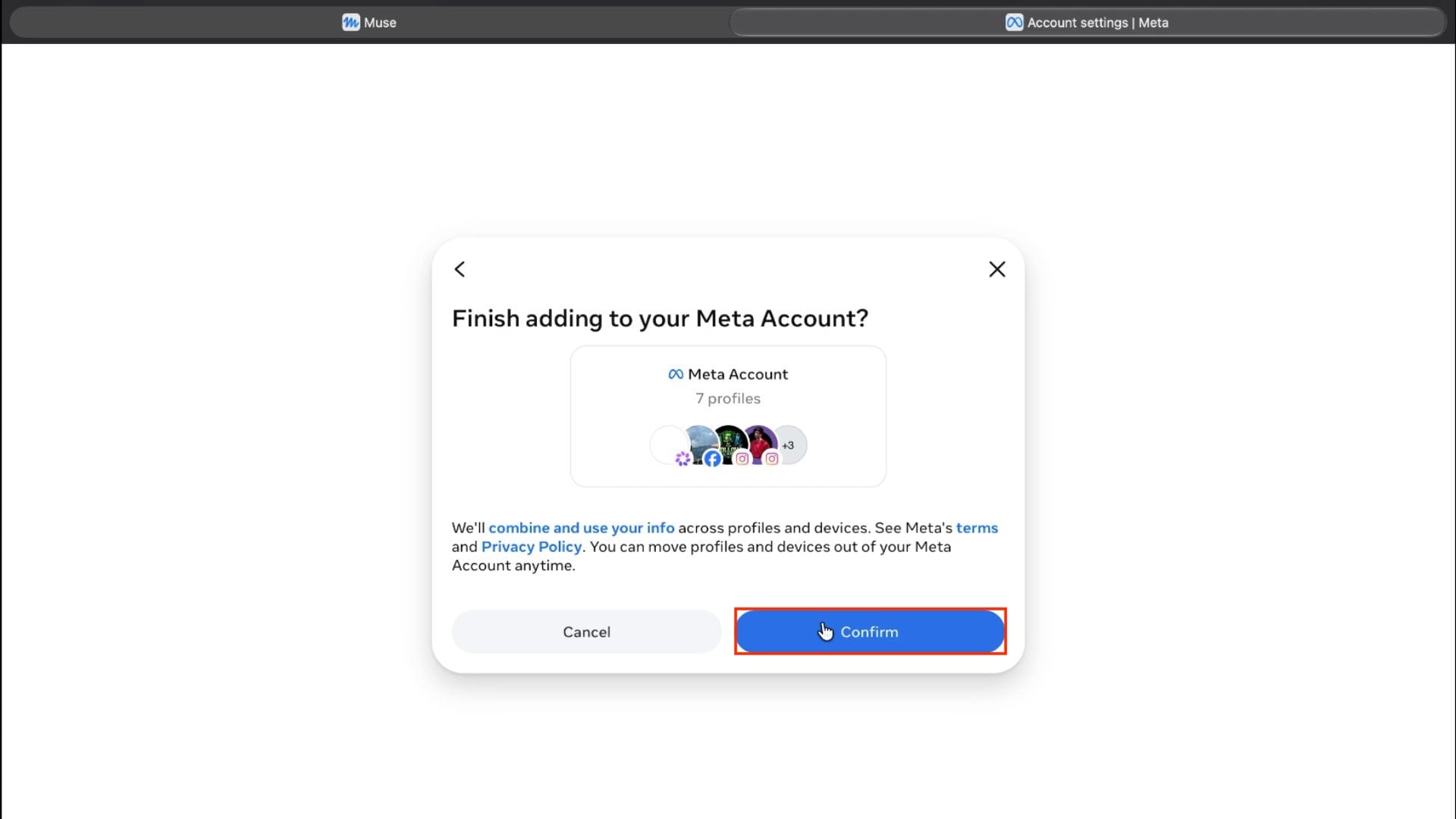
- Click Confirm, and this will create your account.
3. Claim 1 Billion Tokens
Once registration is complete, you will be taken to the dashboard. Now, from here, you need to claim your 1 Billion Tokens. Here’s how:
- First, get your free token from the bottom section of this article.
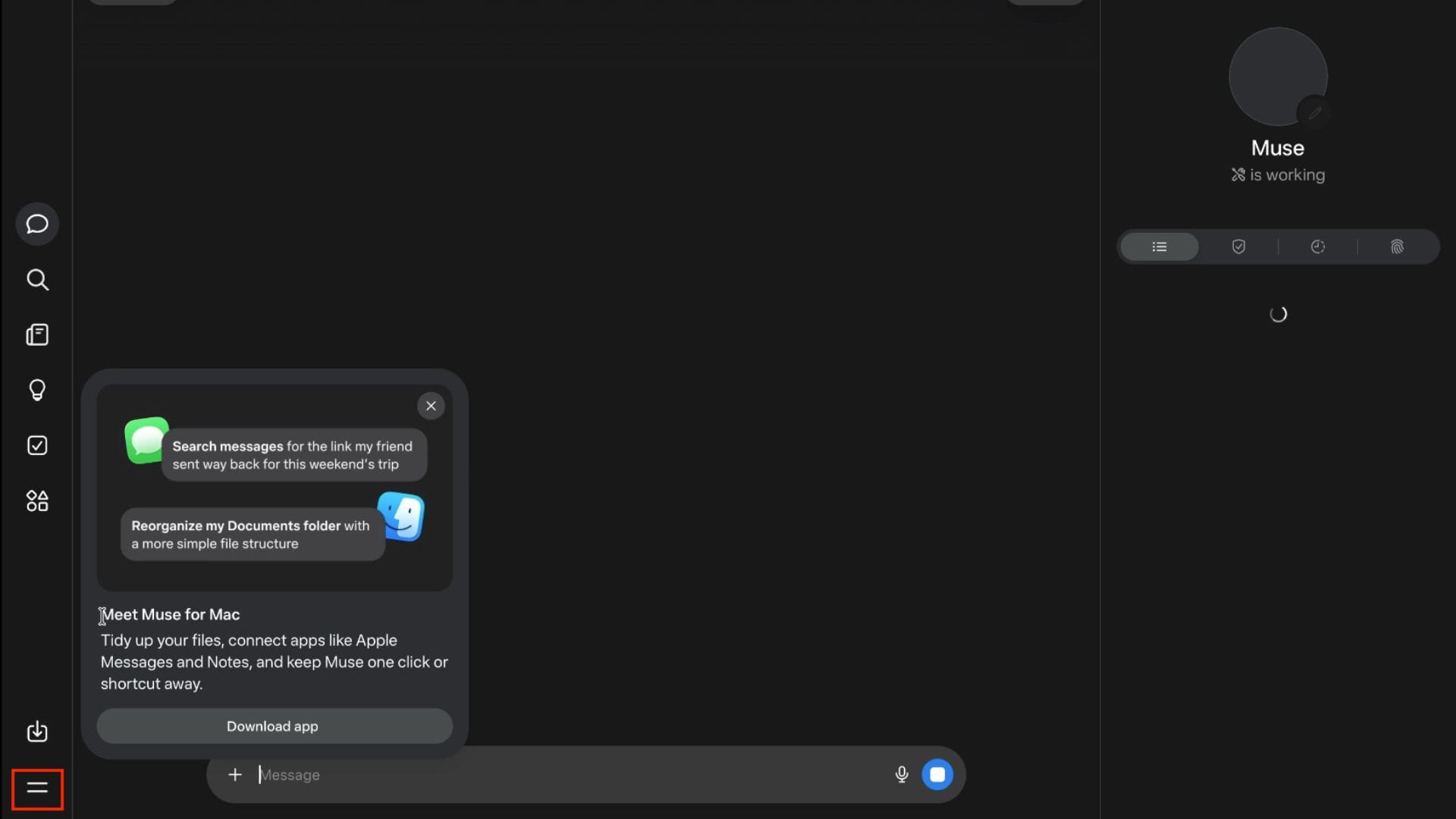
- Now click the Menu icon in the bottom-left corner.
- After this, click on Settings.
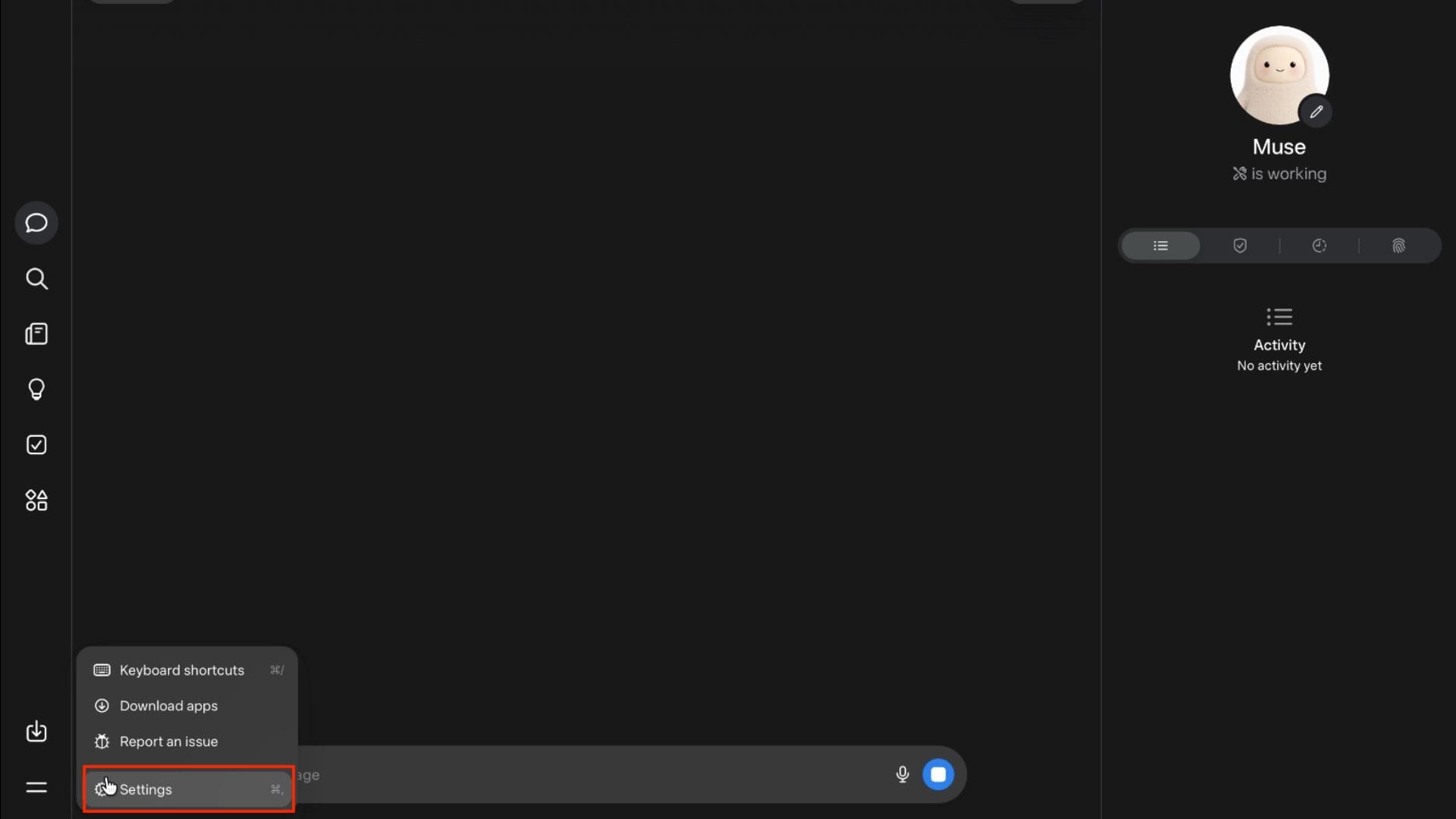
- On the left panel, click General.
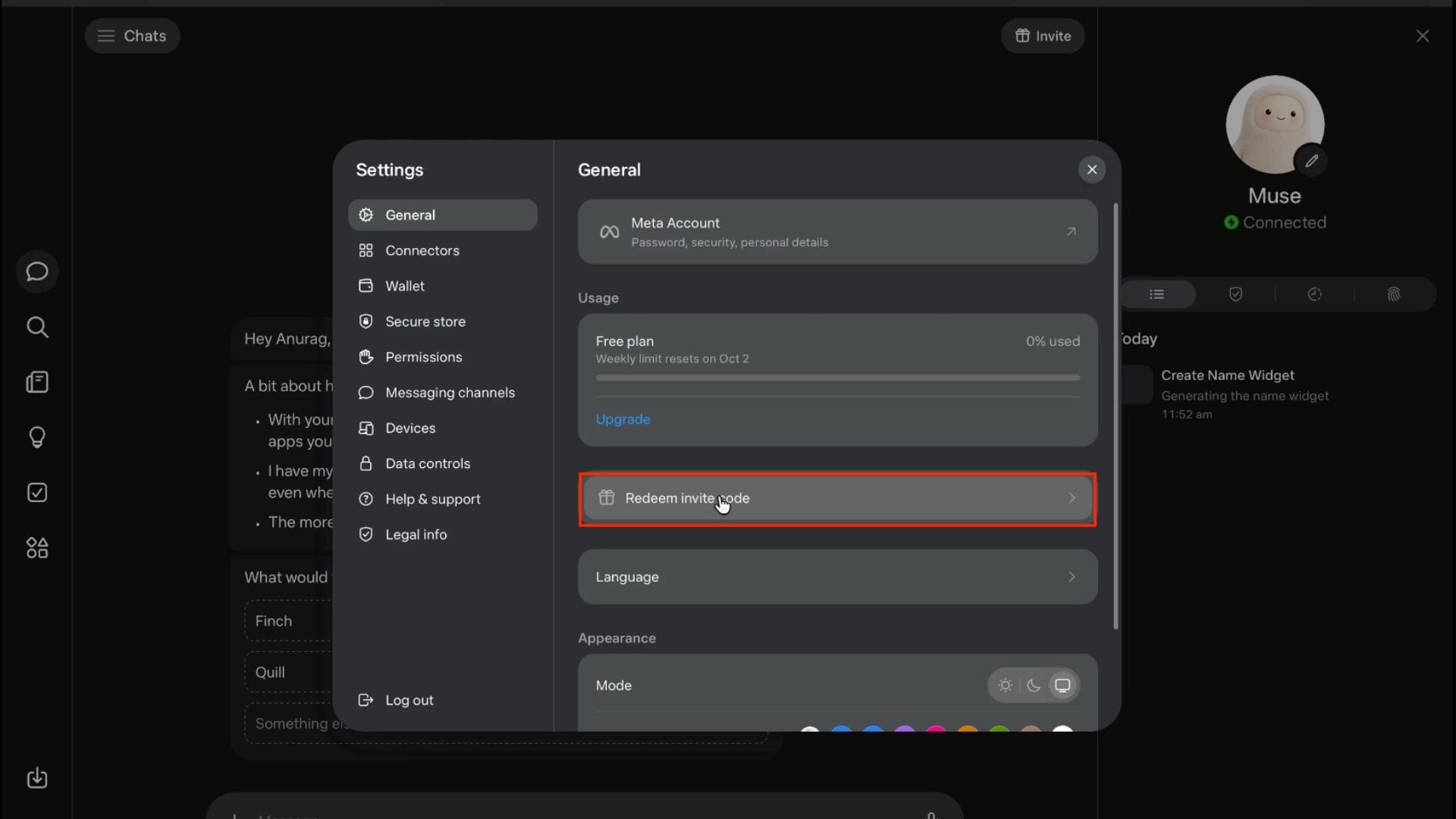
- Now, after this, click on Redeem Invite Code.
- Enter your invite code and click Confirm.
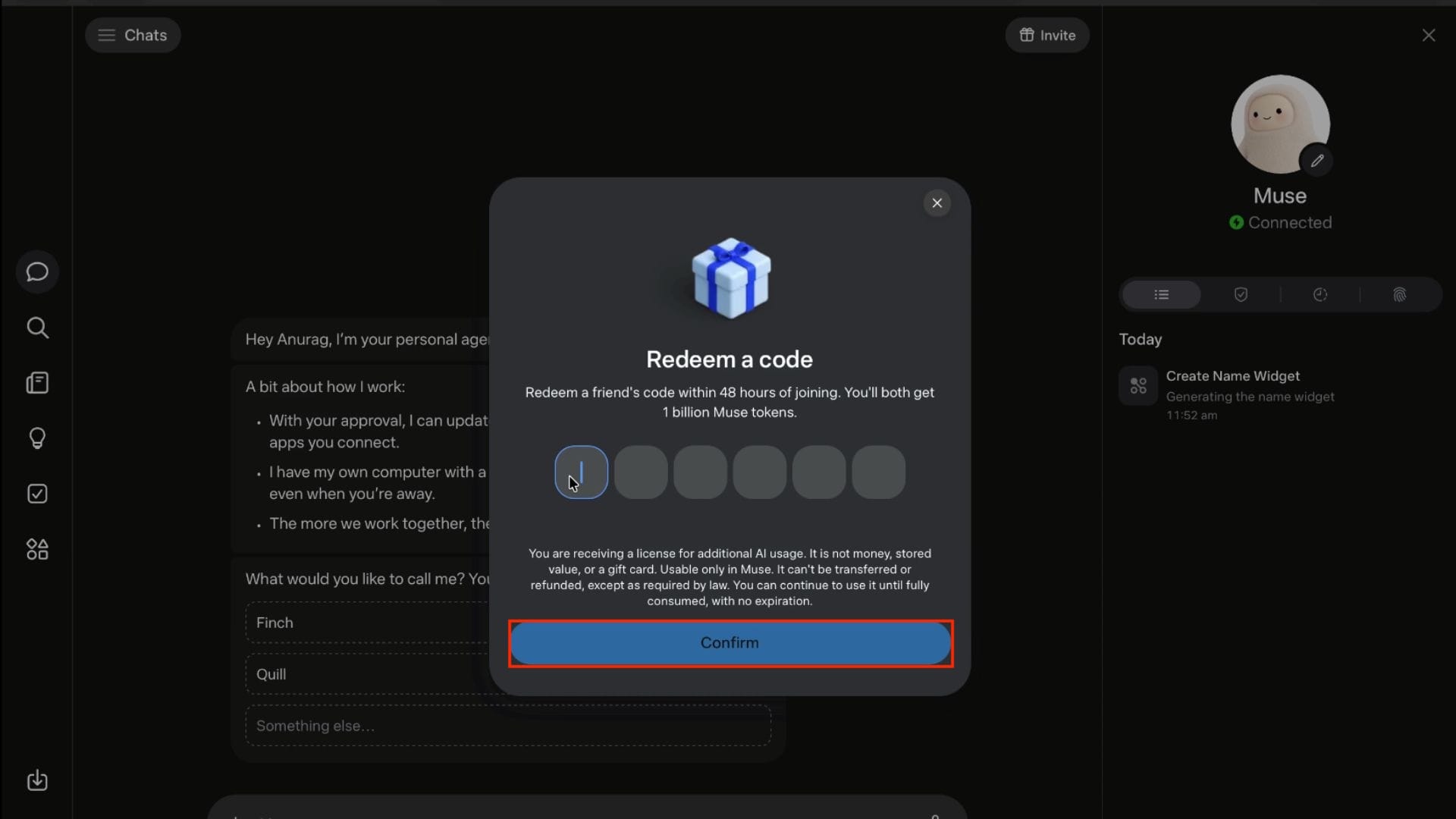
- Once you do it, you, along with the person who referred you, will both get 1 billion tokens.
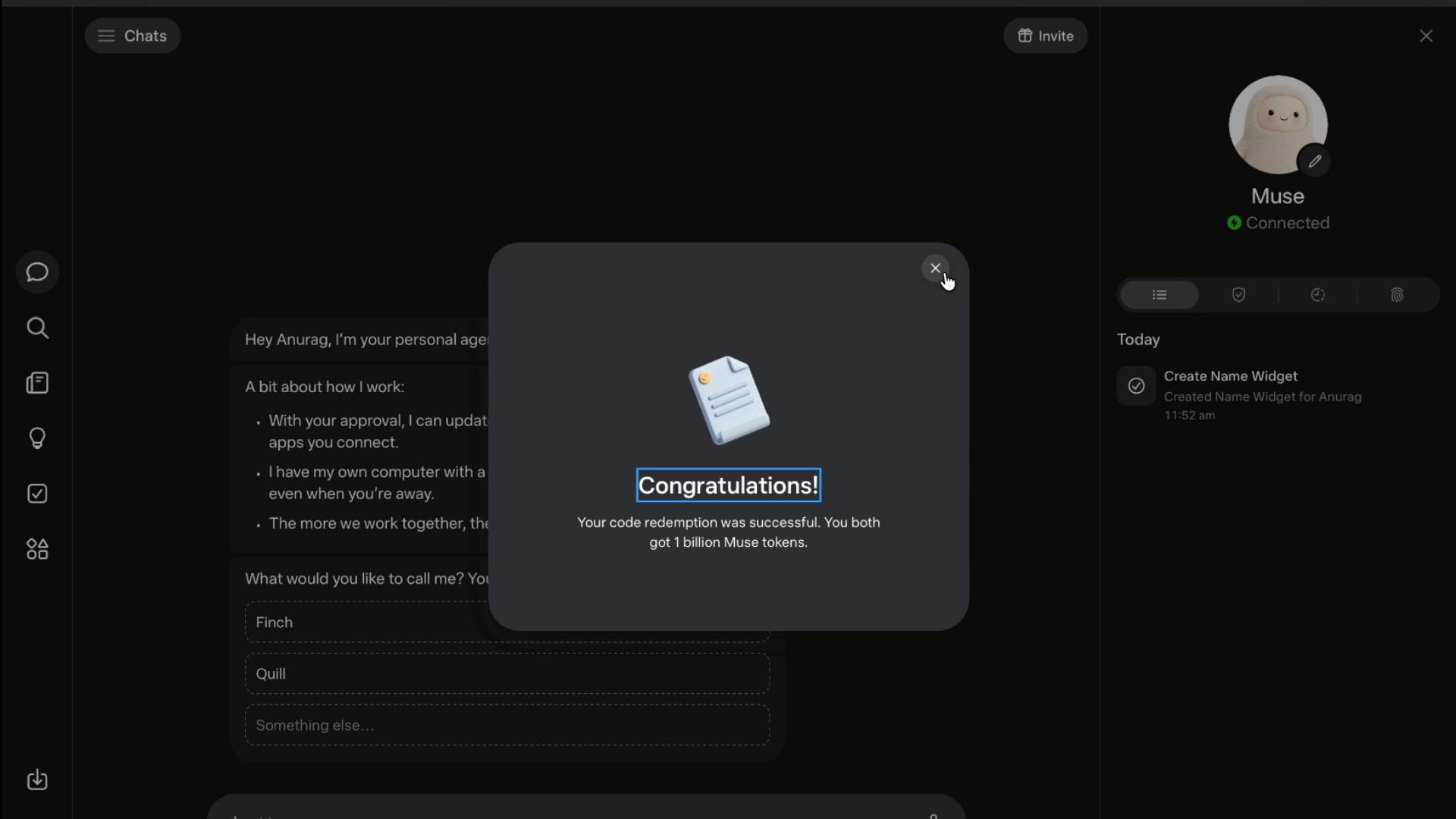
Free Invite Codes for 1 Billion Tokens
You don’t need to wander everywhere for invite codes if you don’t have one. Here are 20 working codes that you can redeem on Meta Muse for 1 Billion Tokens:
- B5RZVG
- NOCYM9
- CLWCF9
- YPO3XE
- JIWKQT
- NVIB5T
- WNITLQ
- 7J5XO6
- 0C30NI
- QS9GZE
- 4MGOOA
- JB8H71
- EOZCAJ
- FCVQZ4
- FCVQZ4
- 48A3SE
- 2C5BRM
- ZIY0VF
- BKVS20
- DZ5MI8
How to Keep Your Account Safe?
There are a few things that you need to consider to keep your account safe and prevent it from getting flagged, such as
- Always Use a VPN: Never turn off your VPN during the process or even when using Muse. Before you open Muse, terminate your current browsing session and then connect to the VPN.
- Don’t Hop Regions: When you connect to the VPN, don’t keep hopping between different cities and regions. This might trigger Meta to flag your account.
- Leave Background Tasks Running: Once you schedule a task, you can close the browser and disconnect the VPN. Muse will run on a cloud computer without a VPN.
Conclusion
Muse is a personal AI agent built by Meta that works in the background while you relax. It is a complete shift from the current day’s AI chatbot. Even though Muse was launched only for the US, you can still use it in India or any other region by connecting to a VPN.
Not just that, you can use the invite codes mentioned in the article above, and you will claim 1 billion tokens for free. But make sure you claim the invite codes within 48 hours of account creation. Once done, your account will be set up and running.
So, what are you waiting for? Try Meta Muse now while the invite code still works.
FAQs
Is Muse Available in India?
No, Muse is not available in India as of now. Muse only works in the US, but to use it in any other region, you will have to use a VPN.
Is Muse from Meta Free?
Yes, Meta Muse is free with limited usage. However, if you follow this guide, then you will get 1 Billion Tokens for free.
Do the 1 Billion Tokens Expire?
No, 1 billion tokens never expire. Even if you don’t use them, the tokens will remain secure in your account.
Is there a Muse App Available?
Yes, the Muse app is available for Mac, Android, and iOS. Windows users can use Muse through a browser.
Is My Data Safe on Muse?
Yes, your data is safe on Muse. It uses a cloud-based computer isolated to each user, so your data is restricted to your account only.
Do you need a Facebook or Instagram Account for Muse?
Yes, you need either a Facebook account or an Instagram account to verify your age for account creation on Muse.