Are you struggling to create a logo that makes your online business, blog, or agency truly stand out? Well, the right logo can instantly elevate your brand identity. But hiring a professional designer isn’t always the best option, especially if you’ve just started with your brand.
What if you could design a professional and visually appealing logo by yourself, without any design skills? It’s possible with AI Logo Generators. After spending weeks on testing dozens of tools, I am finally here with the Best Free AI Logo Generators for 2026.
In this article, we’ll explore what AI logo generators are, how they can help you design amazing logos, and dive straight into the best free tools you can use today. So, with no more delay, let’s dive right in!
- What are AI Logo Generators?
- 10 Best Free AI Logo Generators (Comparison Table)
- 10 Best Free AI Logo Generators (2026)
- 1) ChatGPT – Best for Business & Brand Logos
- 2) Gemini – Best for Creative Logos
- 3) Ideogram – Best for Creative Business Logos
- 4) Namecheap Logo Generator – Best for App Logos
- 5) LogoMakr – Best For Logos Without Signup
- 6) Arvin AI Logo Maker – Best for Game Logos
- 7) Shopify Logo Maker – Best For Small Businesses
- 8) Tailor Brands – Best for Visualizing Branded Merch
- 9) Fiverr Logo Maker – For Innovative Designs
- 10) Logo Diffusion – Best For Simple Businesses
- What are the Benefits of AI Logo Generators?
- How Did We Test These AI Logo Generators?
- Why Should You Trust Me?
- Conclusion
- FAQs
What are AI Logo Generators?
AI Logo Generators are online tools that help you design your logos using artificial intelligence. They use AI and ML technologies to analyze fonts, shapes, icons, and colors used in logos and use this data to suggest innovative logo designs.
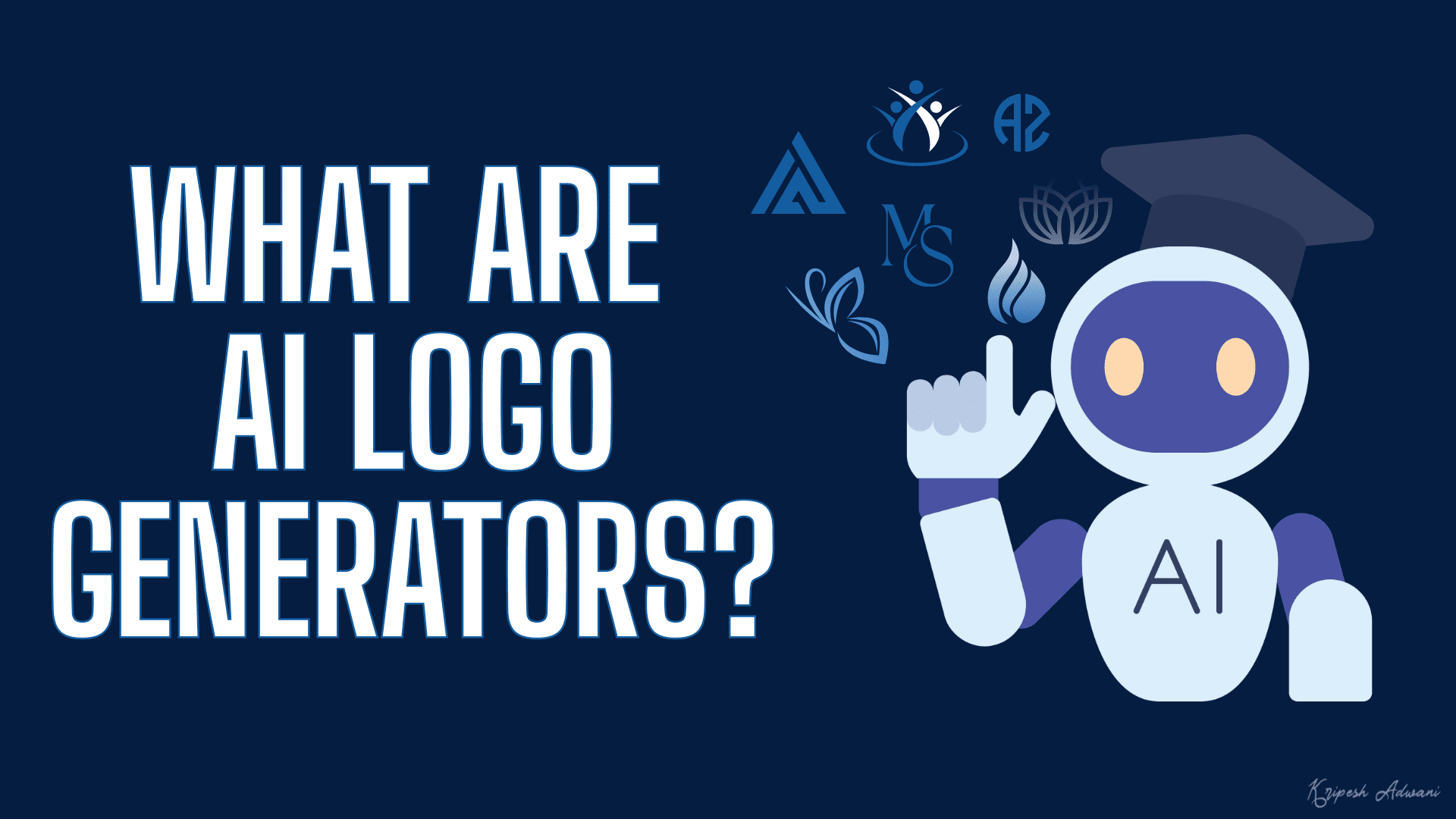
You start by entering a text prompt describing your logo requirements or choosing your preferred font categories, styles, colors, icons, etc. from their list. Based on your selections, it generates creative logo ideas.
The specialty of AI logos is that they’re streamlined to your brand and heavily customizable. You can simply tweak your prompt or instructions to design a completely different logo in no time. Besides, you don’t need any design skills to use an AI logo generator!
10 Best Free AI Logo Generators (Comparison Table)
If you’re just looking for the list, I’ve got you covered. Check out the table below with all the important points. Enjoy!
| Tool Name | Best For | Free Download | Free Limits |
| ChatGPT | Business and brand logos | Yes | 2 or 3 images per day. |
| Gemini | Creative logos | Yes | 10 to 30 images per day. |
| Ideogram | Creative business logos | Yes | 12 free AI credits per day. |
| Namecheap | App logos | Yes | N.A. |
| Logomakr | Logos without Signup | Yes | N.A. |
| Arvin AI | Game Logos | Yes | 9 free AI credits |
| Shopify | Small Businesses | Yes | No limits |
| Tailor Brands | Visualizing Branded Merch | Yes, but low-res only | No limits |
| Fiverr | Innovative Designs | No | No limits |
| Logo Diffusion | Simple businesses | Yes | 20 AI credits per month |
10 Best Free AI Logo Generators (2026)
Now, we’ve finally arrived at the most exciting part of this article. Let’s dive in to discover the best AI logo generators that you can use for free!
1) ChatGPT – Best for Business & Brand Logos
ChatGPT is one of the most popular and AI-powered assistants developed by OpenAI. It features a range of tools, including deep research, shopping research, web search, image generation, and more.
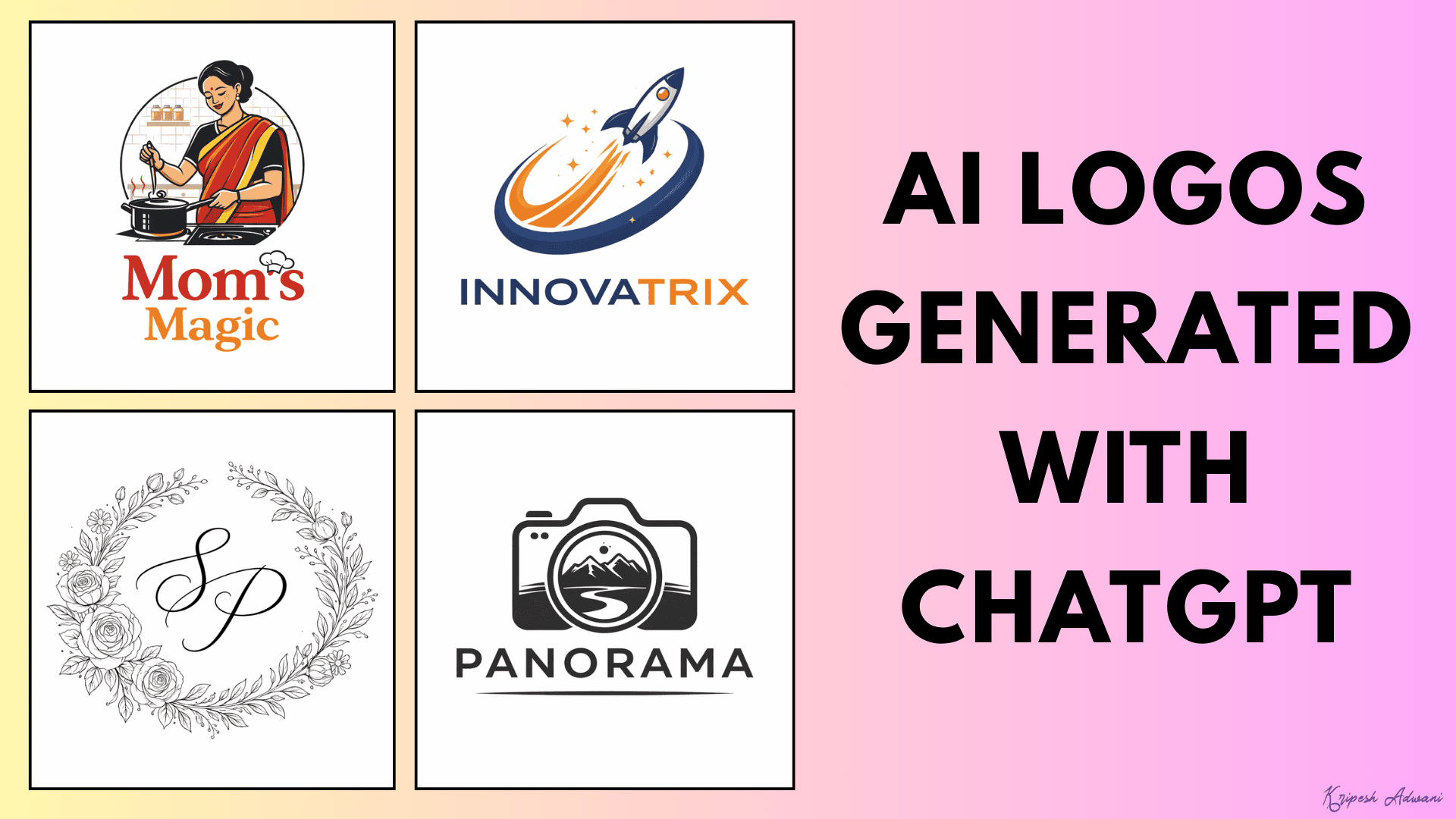
To generate logos with ChatGPT, you can type your prompt in the search bar and select the ‘Create Image’ option. Make sure to specify that you need a logo. It gives you 1 output in square format within a few seconds. For further tweaks, you can provide follow-up prompts too.
I loved the logos generated by ChatGPT. It is ideal for creating all kinds of logos for businesses, brands, creatives, wedding invites, and more. It takes more time to generate images, but the outputs are better than those of other tools.
The generated logos can be downloaded in PNG format. However, I wish there were an option to download them in full-quality.
2) Gemini – Best for Creative Logos
Gemini is a multi-purpose AI assistant designed by Google. It also features multiple tools for guided learning, deep research, image generation, etc. To start with, simply type your prompt and select the ‘Create Images’ option.
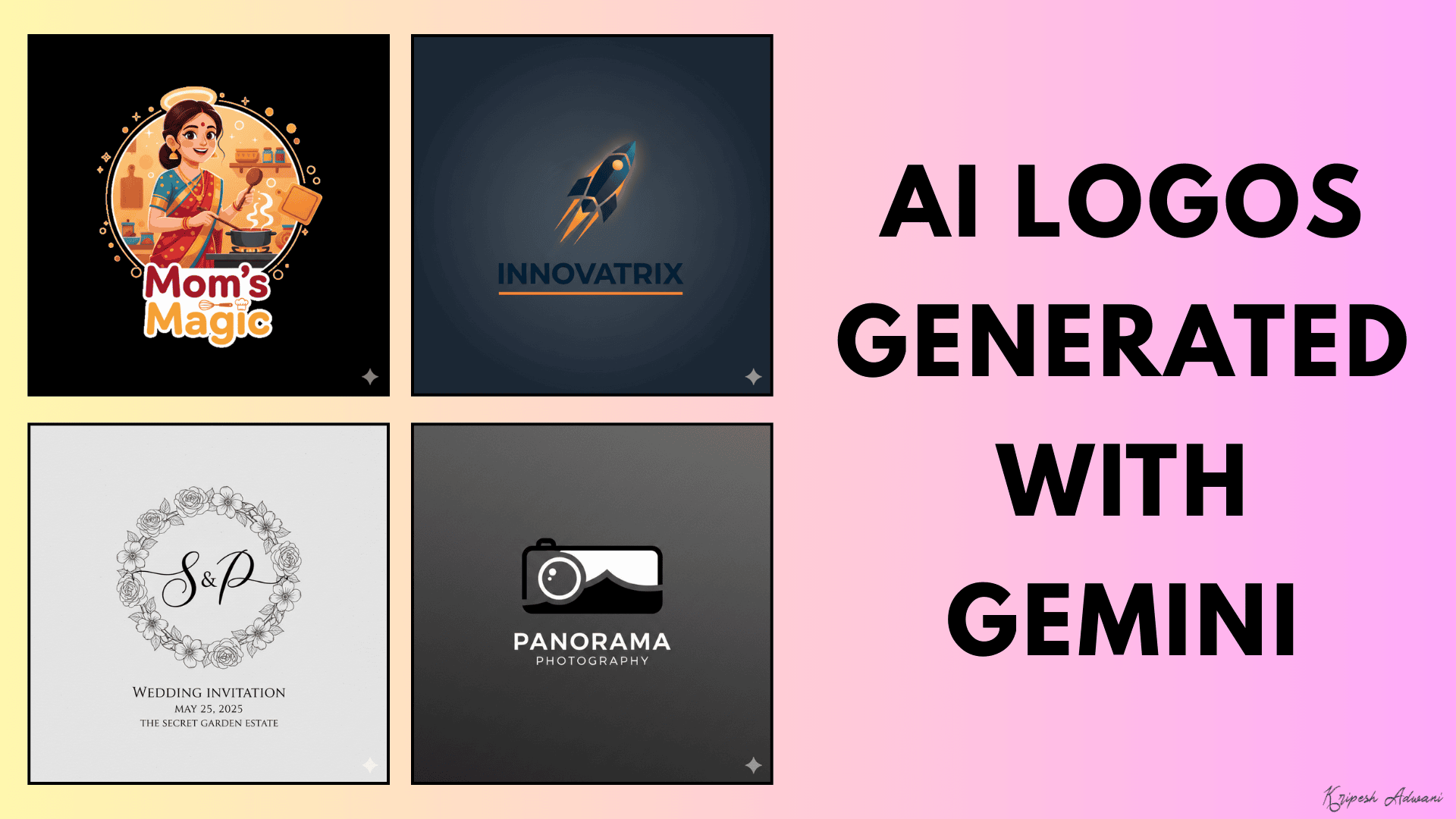
You get 1 output at a time in 1:1 orientation that can be downloaded in PNG format. I liked how it downloads your image in full quality, unlike ChatGPT. I found Gemini better for generating creative logos for wedding invites, YouTube channels, Instagram bios, etc.
3) Ideogram – Best for Creative Business Logos
Ideogram is a popular AI image generator that can create high-quality graphics with text, logos, and designs. To start, you can type your prompt and upload an image reference if you have one. Then, choose an AI model, orientation, style, and color palette.
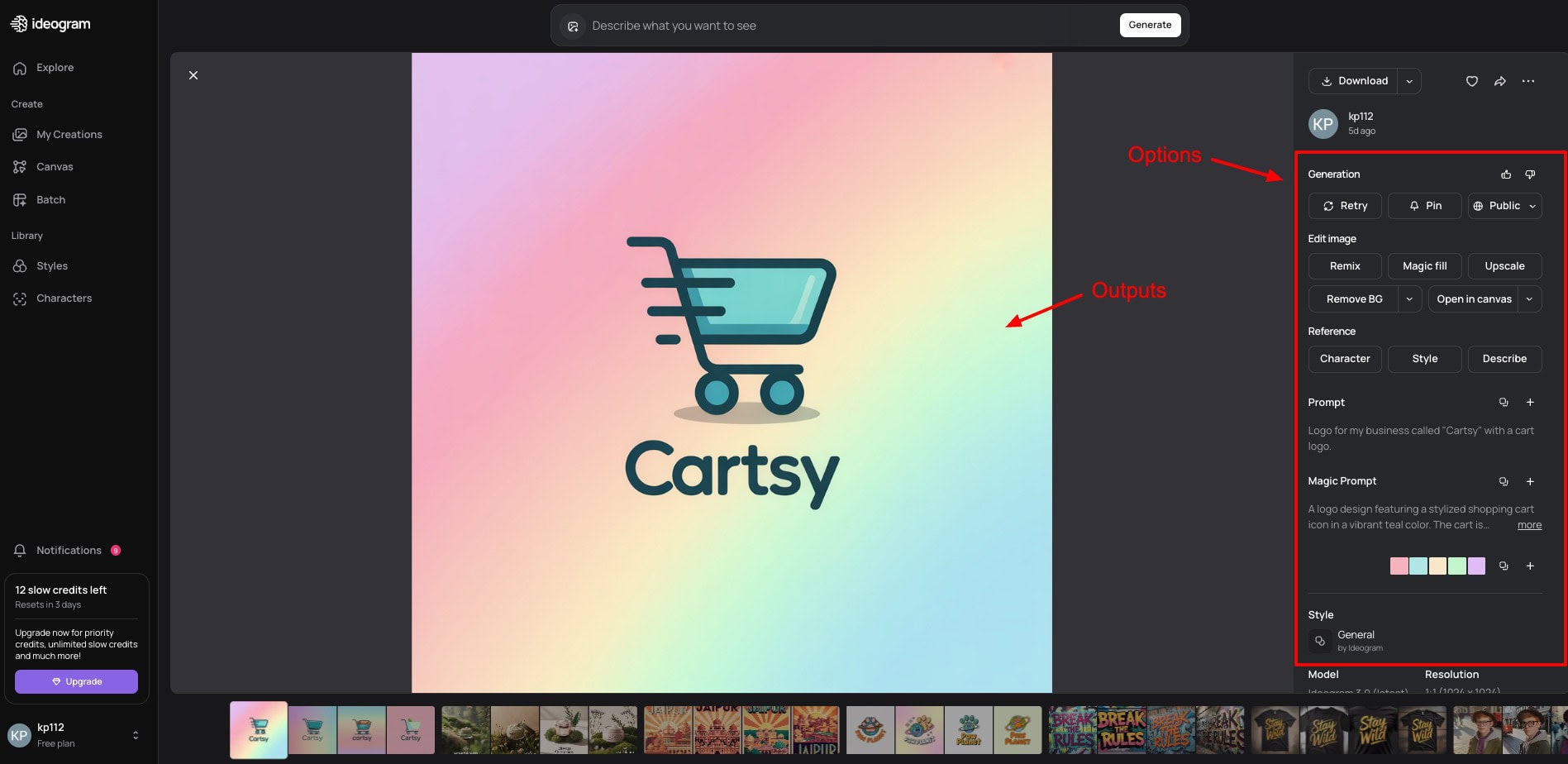
By default, it generates 4 images at a time. I personally liked the speed and quality of image generation. It performs really well for creative designs. You get 12 free AI credits per day that can be downloaded as a PNG or JPEG file or shared via link on social platforms.
Ideogram is best for small businesses that need logos for branding, marketing, ads, and creative projects.
4) Namecheap Logo Generator – Best for App Logos
Namecheap is one of the most popular domain name registrars out there. It also offers an AI-powered logo generator that’s completely free to use. To start with, simply enter your brand name and type of business. Then pick your preferences from its font styles and logo colors.
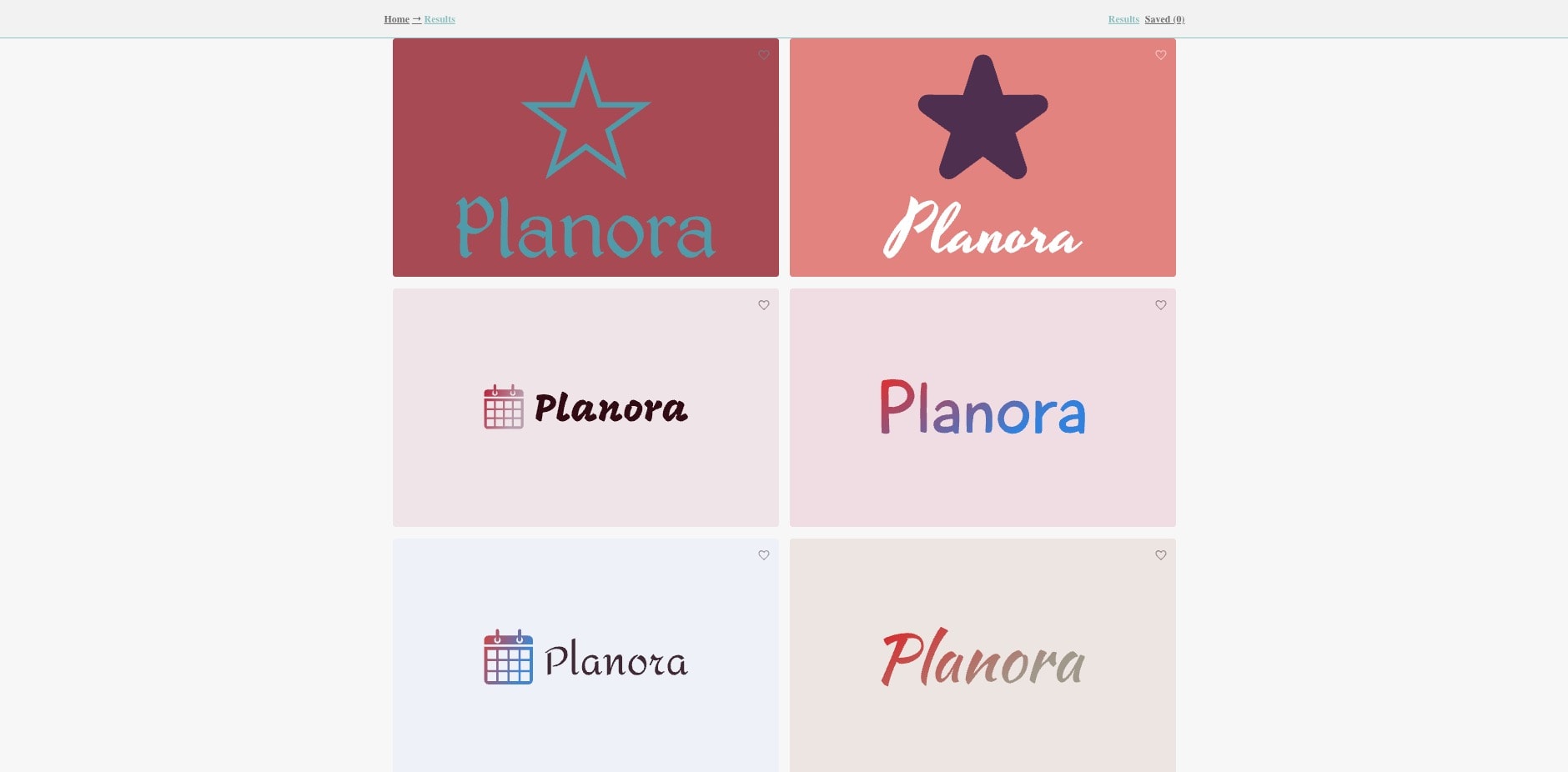
In the next step, pick multiple icons from its library. It automatically generates a range of logos with the font, icon, and color combinations you chose. When you click on any logo, it displays the logo on a business card, t-shirt print, webpage, and app interface.
If you want to make any edits, you can customize the color, text, slogan, icon, and layout from the left menu. You need to sign in to your Namecheap account to download your logos in PNG and SVG formats.
Overall, Namecheap is ideal for small businesses and entrepreneurs who need quick logos to get started. It’s also best if you need your logos in SVG file format.
5) LogoMakr – Best For Logos Without Signup
LogoMakr is an AI-powered tool that offers two modes for logo generation. In the guided mode, you manually select the colors, fonts, layouts, etc, then the AI creates your design. Whereas, in the Prompt mode, you describe your idea through a prompt, pick your style and colors, & then the AI generates a logo.
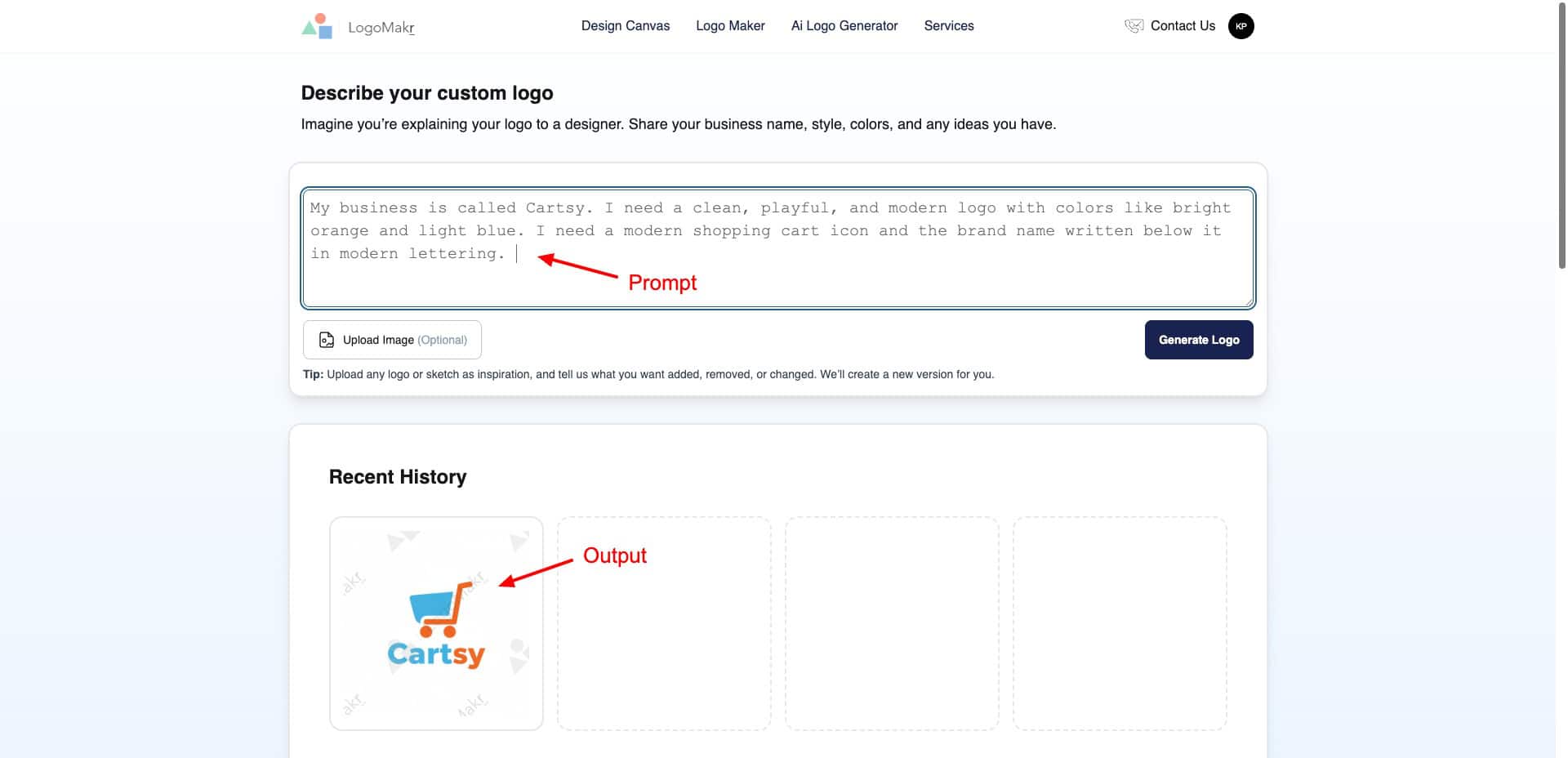
It generates one logo at a time, with the correct colors and style as specified in the input. However, the only downside is its speed. It takes a lot of time to generate even 1 logo in the Prompt mode. LogoMakr is completely free to use and doesn’t require any sign-ups or registrations.
Overall, if you need logos specifically for your business, you can try Logomakr.
6) Arvin AI Logo Maker – Best for Game Logos
Arvin is an AI-powered app for designing professional logos. To start with, you just need to type your prompt into the Arvin Design Assistant. It clearly understands your requirements and generates 1 output.
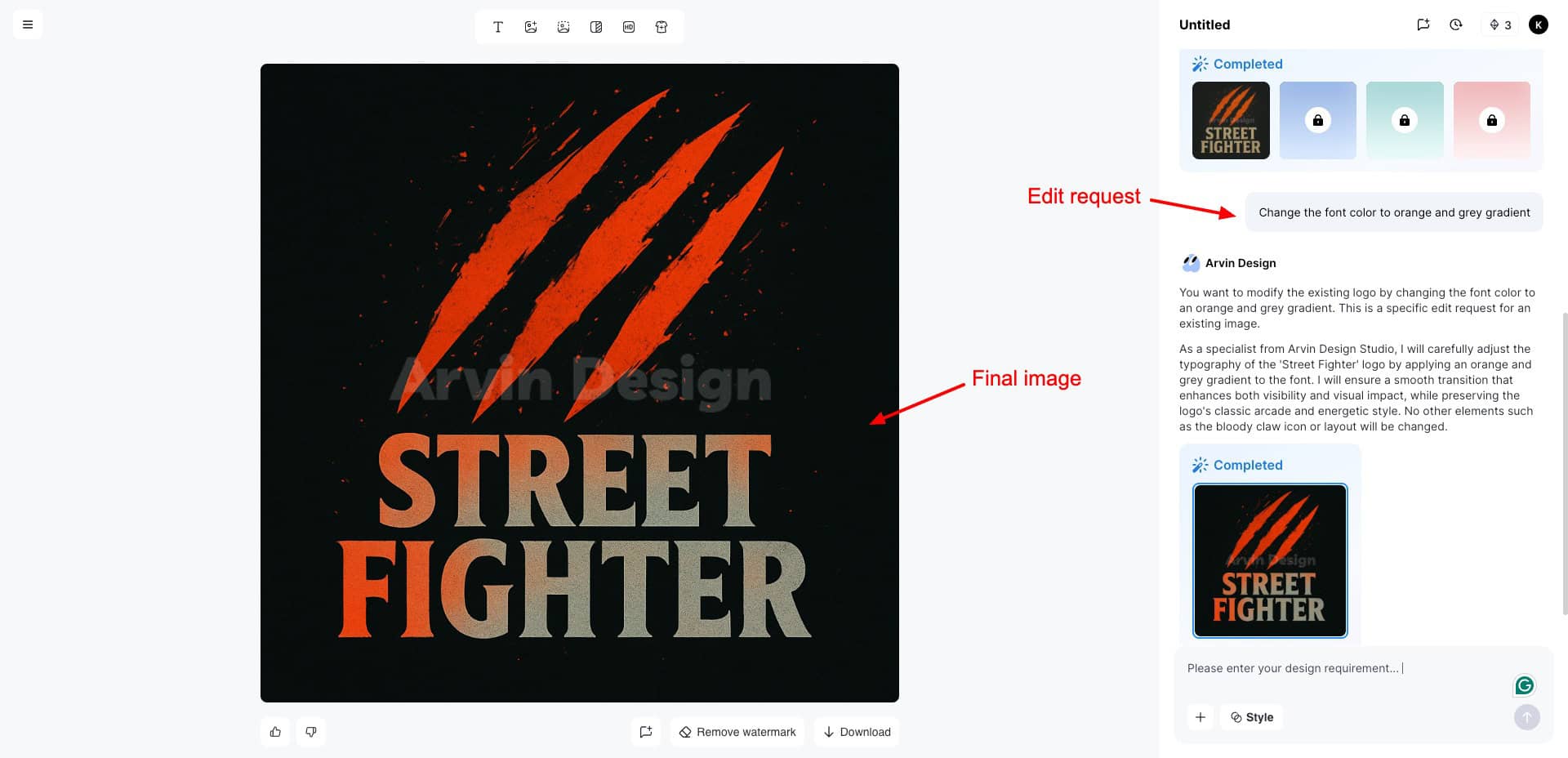
For making further edits, you can request the same assistant. I loved the final output it generated. You won’t need any additional refinements unless you have something very specific in mind. On its free plan, you get 9 AI generations.
For each logo generation and edit request, 3 credits are consumed. So, its free plan is extremely limited. I found Arvin AI best for generating app and game logos. It creates highly visual and graphic logos.
If you are into app development, gaming, or content creation, you should definitely try it out!
7) Shopify Logo Maker – Best For Small Businesses
Shopify is one of the most popular eCommerce platforms used by millions of businesses and entrepreneurs. It also offers a logo maker service, where you start by entering your business name and choosing your industry.
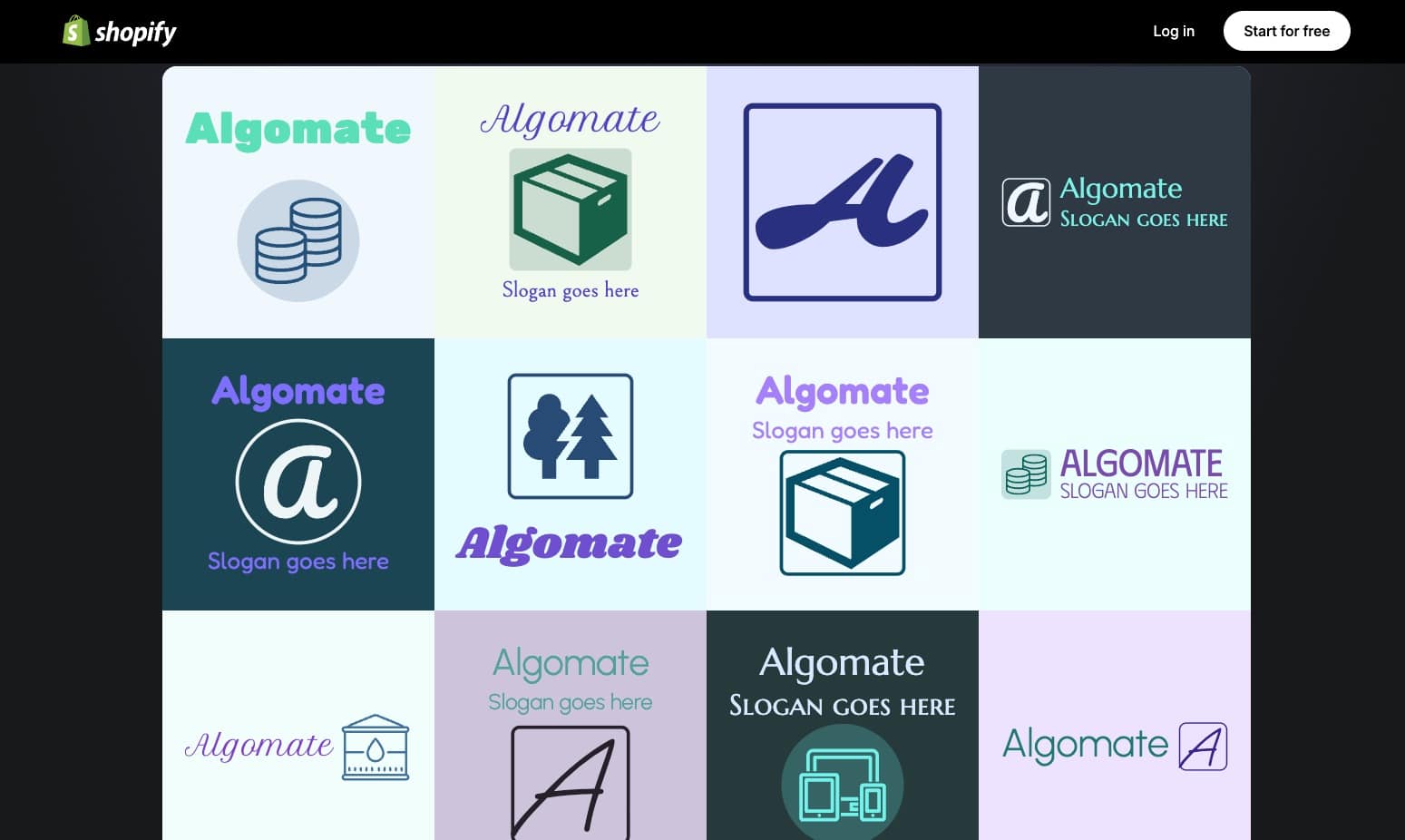
It gives you decent logo designs that you can regenerate. Once you like a design, you can go ahead and customize it. You can choose from different font styles, colors, and symbols arranged according to categories.
Shopify Logo Maker displays how your logo will appear on a coffee cup, shopping bag, website interface, etc. This is great for getting a real-world idea of how your brand would appear to the customers.
8) Tailor Brands – Best for Visualizing Branded Merch
Tailor Brands is an AI-powered platform for starting, managing, and growing your business. It features an AI logo generator, where you start by entering your brand name and industry. Next, you need to enter a short description of what your brand does.
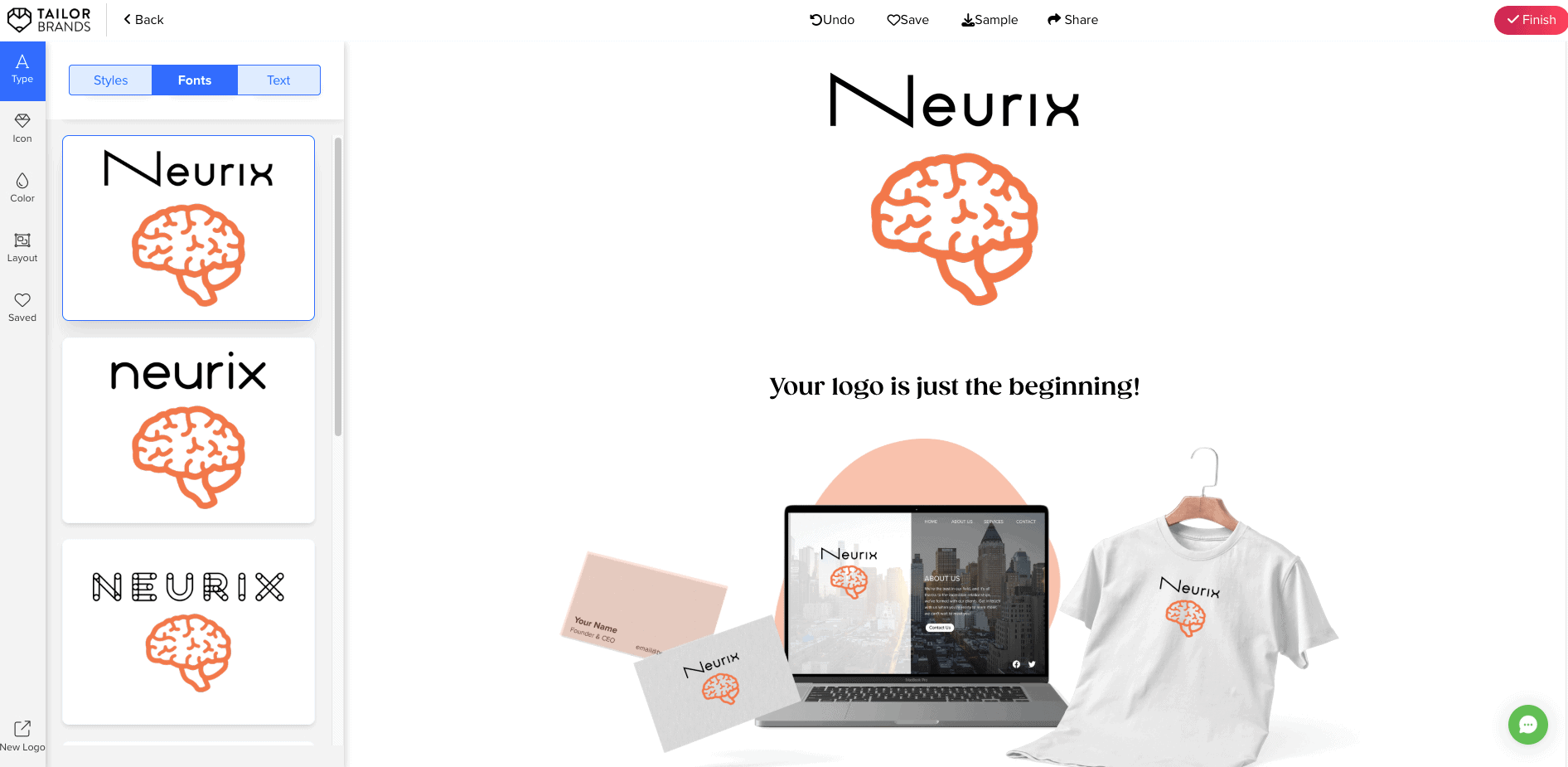
Next, you’ll be asked to choose the type of logo you wish to generate – icon-based, name-based, or initial-based. You can pick a relevant icon from their library along with 3 font styles you prefer. Based on this, Tailor Brands will generate logos, business cards, and social posts for you.
I liked how the branded stationery helps you visualize how your logo looks. If you wish to make edits, Tailor Brands lets you change the font style, spacing, color palette, and layout. However, for exporting your logo, an upgrade is required. For free, you only get to download a low-resolution image.
9) Fiverr Logo Maker – For Innovative Designs
Fiverr is an online marketplace for freelancing services. First, you start by entering your brand name, slogan, and industry, and typing the icon you wish to include. Next, define your brand’s personality by choosing between accessible vs premium, classic vs modern, etc.
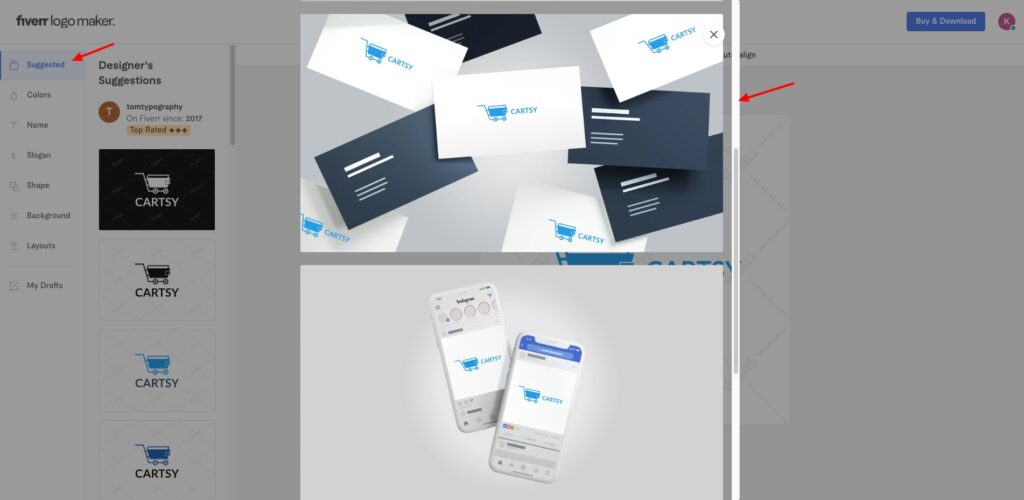
It generates different logos as per your choices. I loved its collection of innovative logos. Under each logo, you can find multiple variations with different color combinations. It also depicts your logo on branded stationery like coffee cups, business cards, social posts, and web app UI.
Next, you can customize your chosen logo by adding a color palette, changing the brand name, slogan, shape, background, layout, etc. However, exports are only available for paid customers. Overall, if you need some fresh and innovative business and app logos, check out Fiverr!
10) Logo Diffusion – Best For Simple Businesses
Logo Diffusion is an AI-powered logo generator founded in 2023. To get started, you can visit the ‘Text to Image’ tool and type in your prompt. Next, choose ‘Logo Type’ from Style Categories and choose relevant options from style settings, etc.
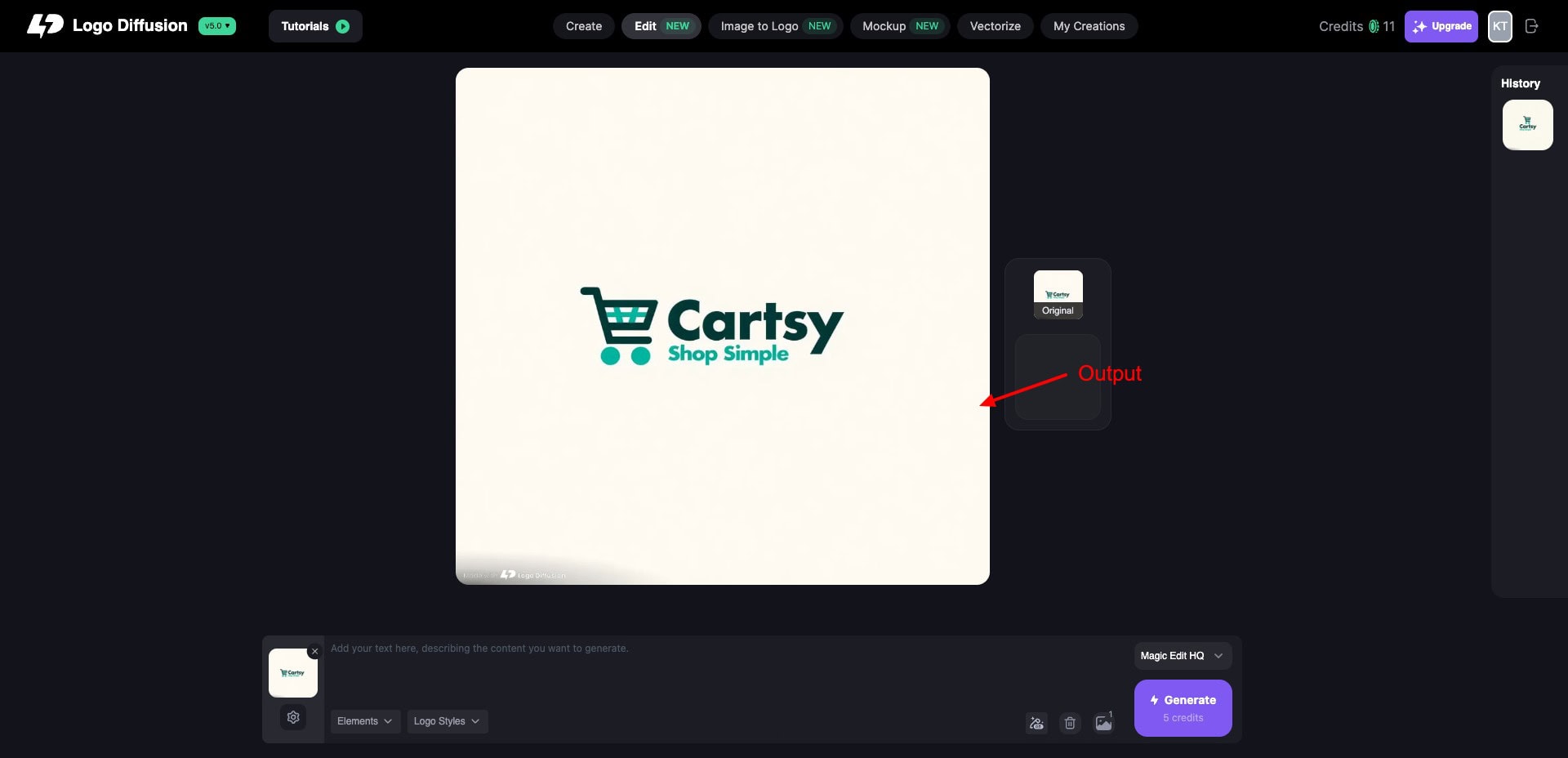
Under Elements, you can choose if you want to convert your logo system, icon set, 2D to 3D logo, preserve style, etc. The free plan offers 20 monthly AI credits. With each prompt, you get 2 outputs. Editing a design consumes 5 AI credits.
In my experience, Logo Diffusion is best for generating simple business logos and converting your rough sketches into professional logo designs.
What are the Benefits of AI Logo Generators?
There are numerous benefits to using an AI Logo Generator. Let’s discuss the significant ones below.
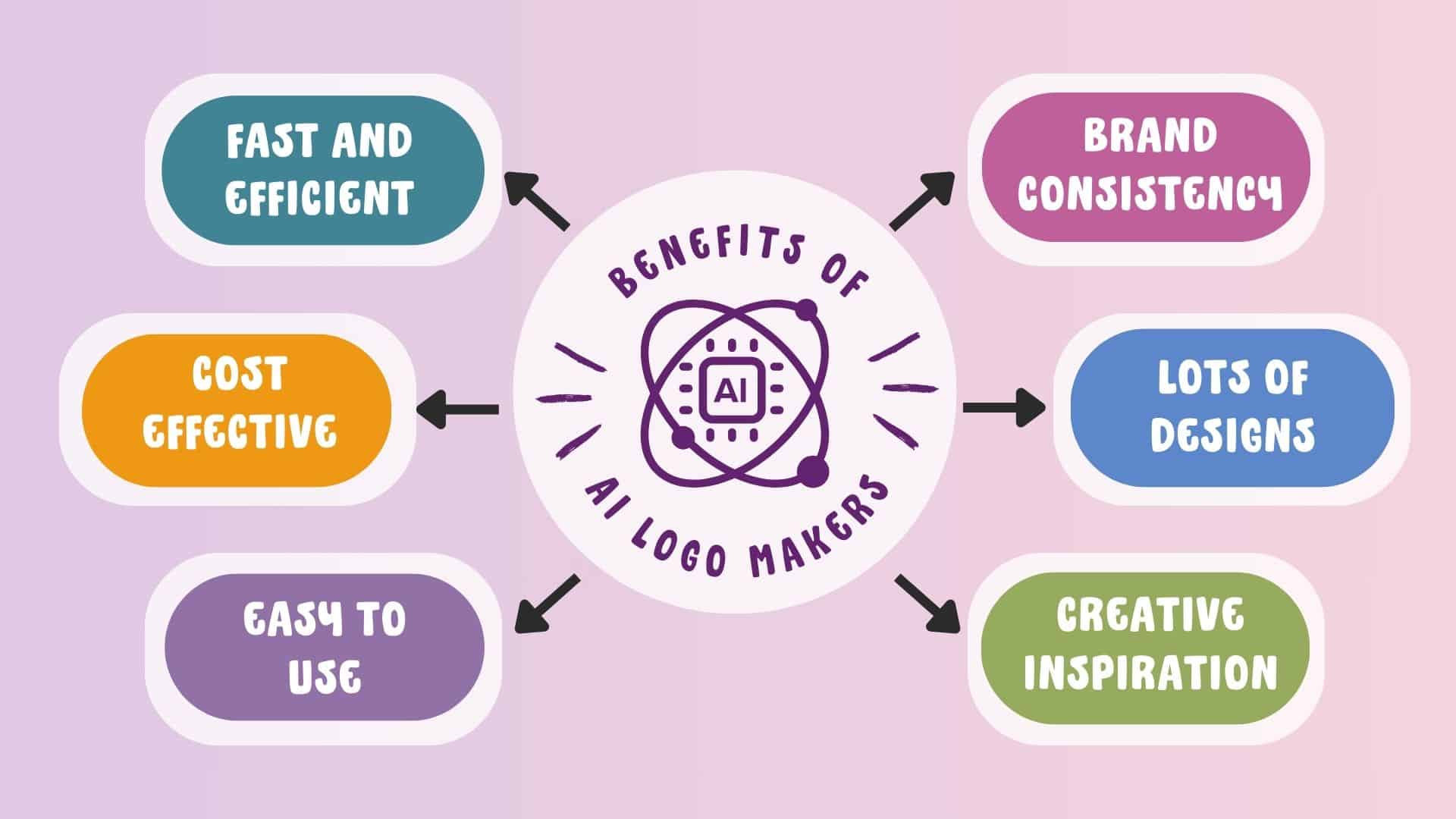
1) Fast and Efficient
With an AI logo generator, you can generate logos for your brand or business within a few minutes. You don’t need to spend hours reviewing a design and then sending it for edits.
Here, you can generate multiple variations and experiment with a range of ideas to see which one fits well with your brand. Overall, it saves time and improves the efficiency of your designs.
2) Cost-Effective
Using an AI logo generator to design your logos is often more affordable than hiring a professional designer or agency. A professional may even charge you for multiple revisions. Whereas you can infinitely customize your logo designed through AI.
3) Easy to Use
You don’t need to be a skilled designer in order to generate an AI logo. It’s extremely easy to use and accessible. So, even beginners can use it without facing any trouble.
4) Brand Consistency
AI Logo Generators allow you to edit your logos. While editing, you can ensure that the design elements like color palettes, font combinations, and icons are aligned with your brand. This will help your logo establish a consistent brand image across all platforms.
5) Hundreds of Designs
Where a freelancer, designer, or agency may be able to provide you with limited options, AI logo generators offer you a vast array of designs to choose from. You can always edit your design preferences or prompts to generate more streamlined results.
6) Creative Inspiration
Even if you don’t want to generate logos with AI, it can still be an inspiration source, especially for designers. They can get creative ideas and brainstorm different concepts with AI before working on any client’s logo.
How Did We Test These AI Logo Generators?
In order to test the above AI-powered logo generators, I tested them on the following factors:
- Logo generation quality
- Ease of use
- Prompt or input flexibility
- Customization options
- Variety of styles, fonts, and icons
- Download availability on the free plan
- Export formats provided (PNG, SVG, PDF, etc.)
- Free plan limitations (credits, resolution, watermarks)
- Speed of logo generation
- Real-world previews (mockups, branding use cases)
Based on the performance of each tool on these factors, I ranked them in this listicle.
Why Should You Trust Me?
I’ve been working full-time in the digital industry since 2015. In all these years, I’ve used, tested, and reviewed hundreds of digital and AI tools. These include AI website builders, AI video generators, AI writers, AI art generators, AI domain name generators, and more.
I’ve also spent weeks researching and thoroughly testing all the above AI logo generators on a lot of factors before including them in this post. Experimenting with all these tools has given me immense experience and expertise to recommend the best ones for your requirements.
Conclusion
In this article, we discussed the Best Free AI Logo Generators that can simplify your logo creation process and enhance your design experience. With these tools, you can create captivating and beautiful logos for your brand and business.
If you’re a professional designer, you can surely find some fresh ideas and creative inspiration from these tools. My personal favorites are ChatGPT and Gemini, as they quickly create every type of logo and also help in fine-tuning it through follow-up prompts.
Anyway, I hope you found this article informative. Which one was your favorite AI logo maker from our list? Have you used any other free AI logo generators you’d like to recommend? Do share with me in the comments section below.
This is Kripesh, taking your leave. I’ll be back with more informative articles soon. Take care and keep learning. Cheers! 🙂
FAQs
1) Is a human designer better than AI Logo Generators?
Human designers are much better if you want intricate designs and concepts reflected in your logo. However, if you want some basic yet creative designs quickly, AI logo generators work really well!
2) Are logos generated by AI Logo Generators unique?
AI Logo Generators use complex AI algorithms to generate new images based on their training data. Thus, all the designs generated by them are completely unique.
3) Can I use my AI-generated logo across different mediums?
Yes, some free AI Logo Generators like Hatchful allow you to specify the logo formats you want. For instance, print media, banners, social media, business cards, etc. You can export them as a ZIP file for free!
4) Can an AI Logo Generator replace a professional graphic designer?
No, AI Logo Generators can save you a tonne of time on creating simple logos. However, if you want detailed logo design and heavy customization, AI Logo Generators won’t be able to replace professional graphic design professionals.
5) Why can’t some AI art generators add text accurately to logos and images?
AI tools use models that are trained on large amounts of data. They create new content as per their training data, but smaller and finer details are not always correctly translated. Thus, the generated text is flawed, fingers in AI characters look abnormal, and faces are disoriented.
6) Which AI logo generator is free without a watermark?
If you want to generate and download AI images without a watermark, you can use Hatchful AI Logo Creator by Shopify.
7) What types of users can benefit from AI logo generators?
Anyone who wants to generate quick logos would benefit from AI logo generators. Apart from that, graphic designers, logo designers, freelancers, and creative professionals would find them great for finding innovative ideas and creative inspiration.